69
Shooting – Advanced Functions
when the exposure is incorrect (image is
completely black or white).
z Since the white balance data cannot be
read in and modes, preset the
white balance in another shooting mode.
z Shoot with the same settings as when
reading the white balance data. If the
settings differ, the optimal white balance
may not be set. Especially the following
should not be changed.
Flash
• Setting the flash to on or off is
recommended. If the flash fires when
reading the white balance data with the
flash set to or , make sure
that you also use the flash when you
shoot.
ISO Speed
z The custom white balance setting is not
canceled even if settings are reset to
default settings (p. 62).
Changing the ISO Speed
Raise the ISO speed when you wish to
reduce camera shake, when turning the flash
off for use in dark conditions, or when a fast
shutter speed is required.
1
Select *(ISO Speed) from the
FUNC. menu.
z See Selecting Menus and Settings (p. 54).
* The current setting is displayed.
2
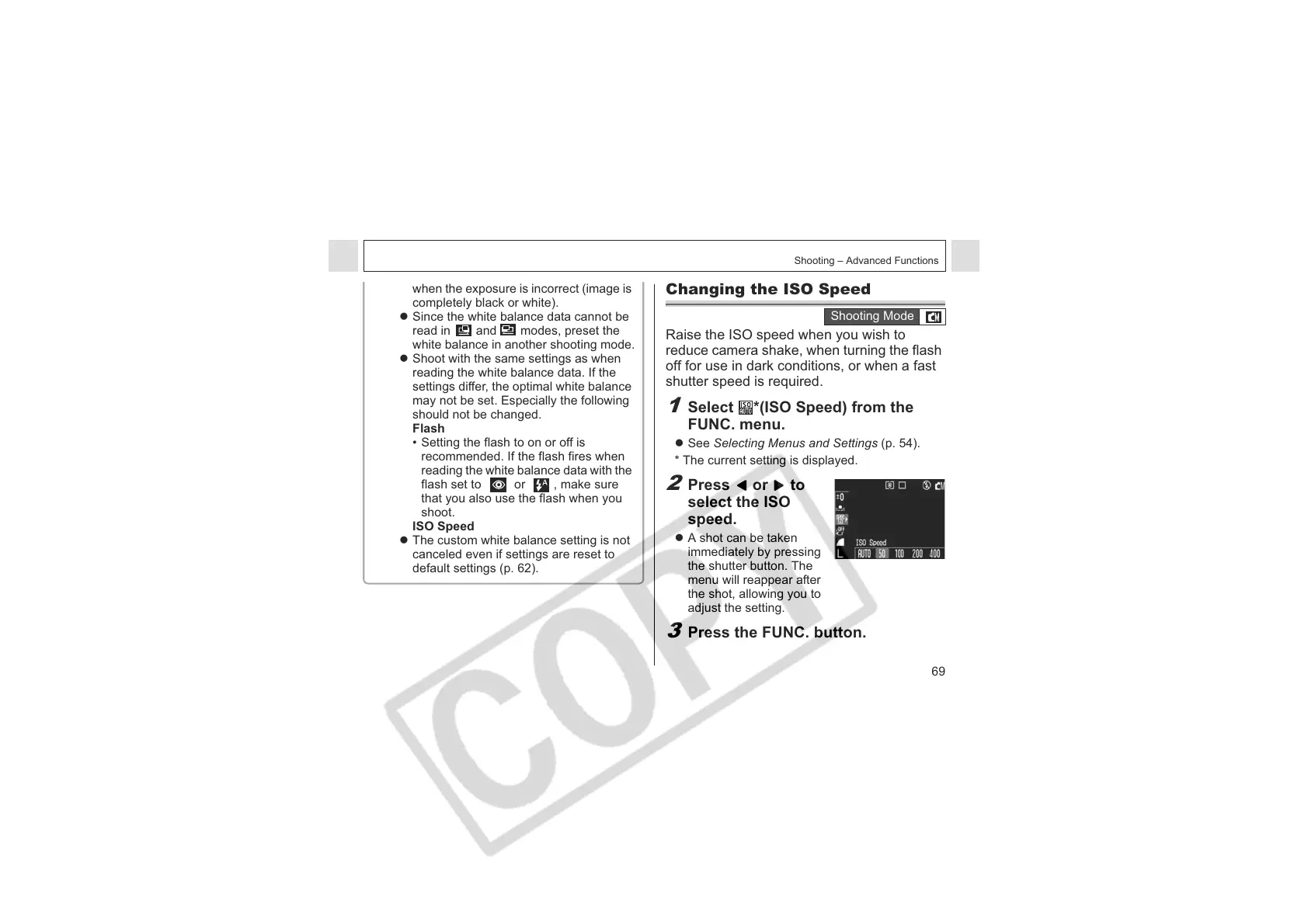
Press or to
select the ISO
speed.
z A shot can be taken
immediately by pressing
the shutter button. The
menu will reappear after
the shot, allowing you to
adjust the setting.
3
Press the FUNC. button.
Shooting Mode












 To Next Page