51
Playback – The Basics
2
Select (Edit) using or
and press the SET button.
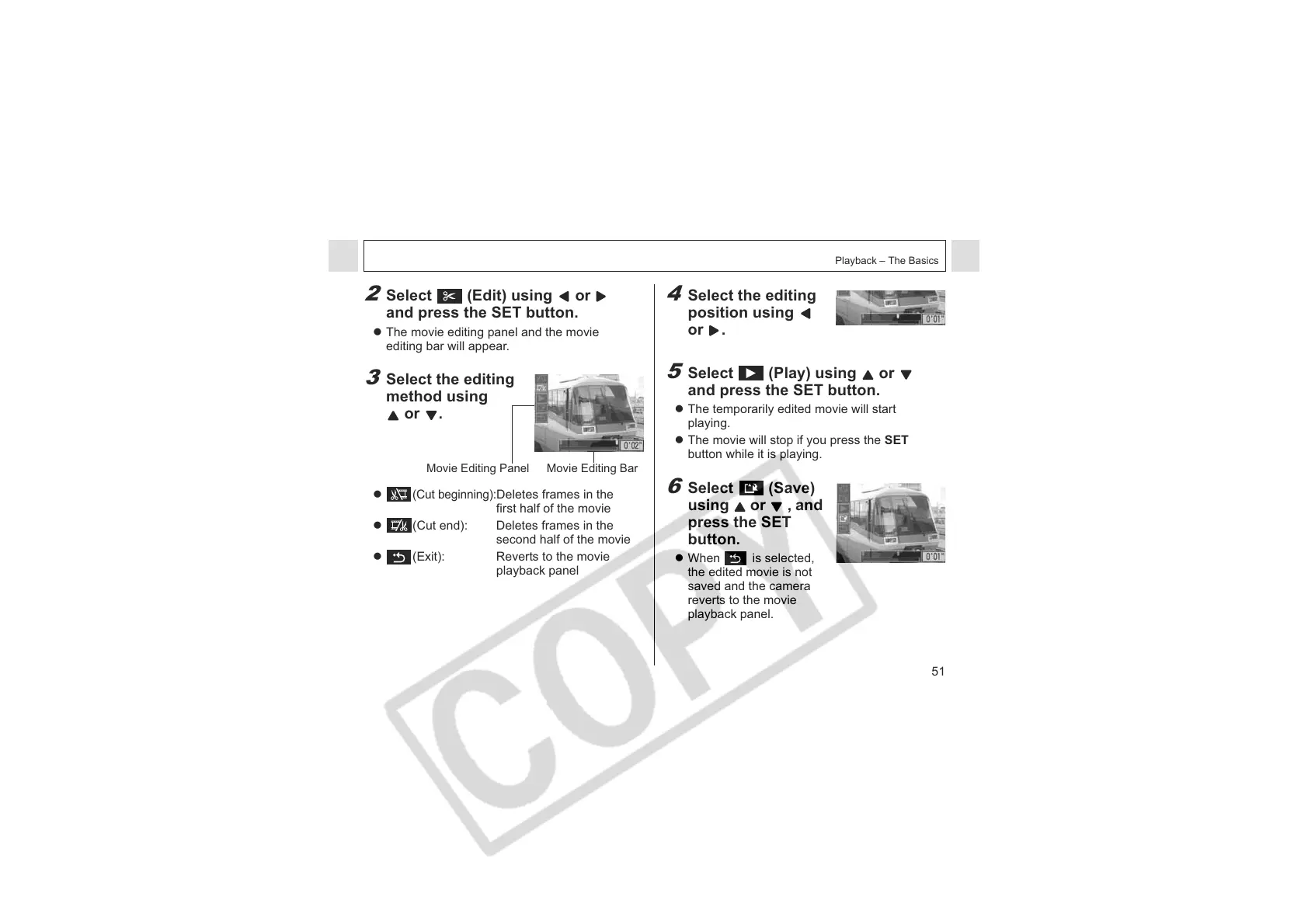
z The movie editing panel and the movie
editing bar will appear.
3
Select the editing
method using
or .
z
(Cut beginning):
Deletes frames in the
first half of the movie
z (Cut end): Deletes frames in the
second half of the movie
z (Exit): Reverts to the movie
playback panel
4
Select the editing
position using
or .
5
Select (Play) using or
and press the SET button.
z The temporarily edited movie will start
playing.
z The movie will stop if you press the SET
button while it is playing.
6
Select (Save)
using or , and
press the SET
button.
z When is selected,
the edited movie is not
saved and the camera
reverts to the movie
playback panel.
Movie Editing Panel Movie Editing Bar












 To Next Page