67
Shooting – Advanced Functions
1
Select * (Auto) from the FUNC.
menu.
z See Selecting Menus and Settings (p. 54).
* The current settings is displayed.
2
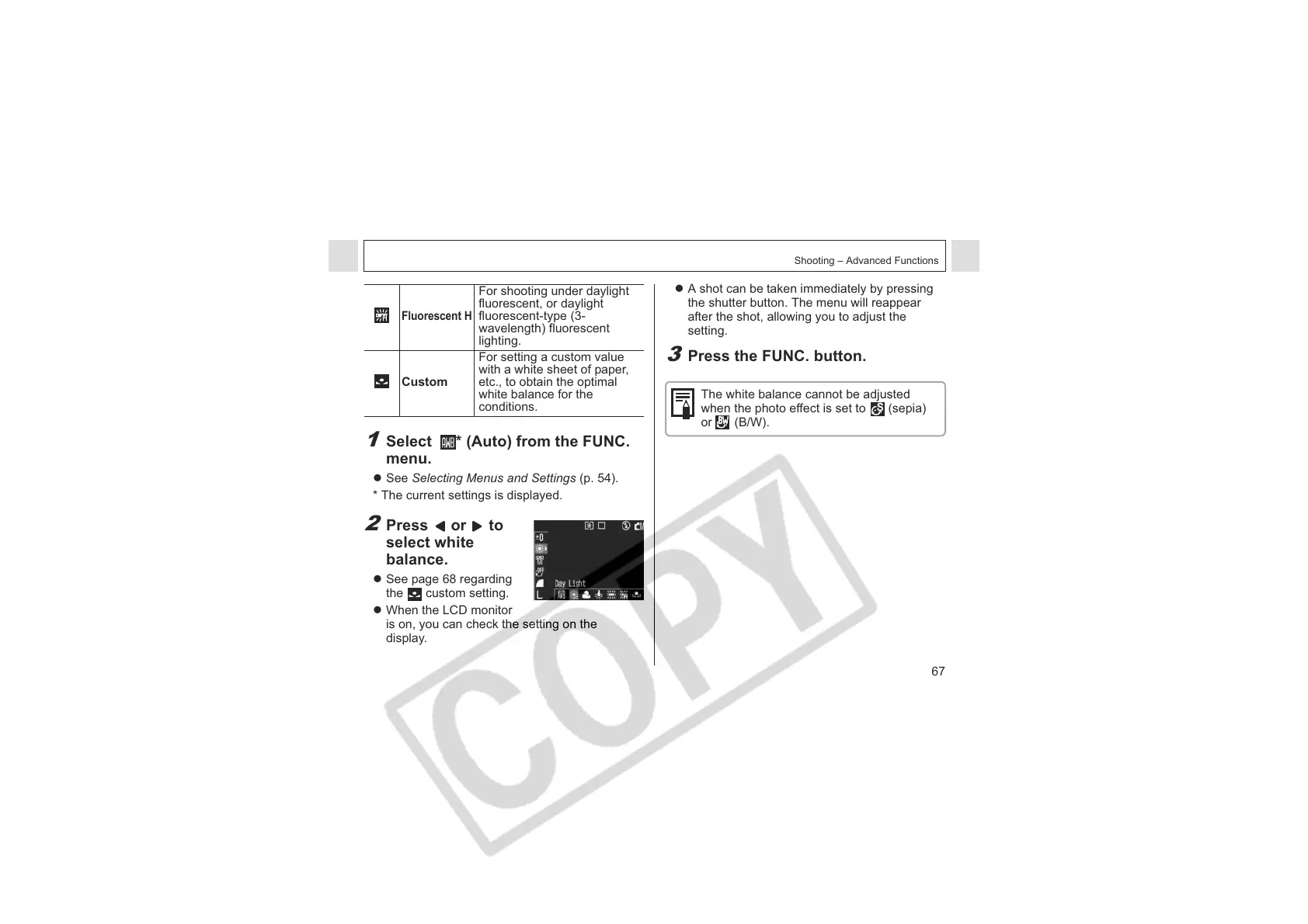
Press or to
select white
balance.
z See page 68 regarding
the custom setting.
z When the LCD monitor
is on, you can check the setting on the
display.
Fluorescent H
For shooting under daylight
fluorescent, or daylight
fluorescent-type (3-
wavelength) fluorescent
lighting.
Custom
For setting a custom value
with a white sheet of paper,
etc., to obtain the optimal
white balance for the
conditions.
z A shot can be taken immediately by pressing
the shutter button. The menu will reappear
after the shot, allowing you to adjust the
setting.
3
Press the FUNC. button.
The white balance cannot be adjusted
when the photo effect is set to (sepia)
or (B/W).












 To Next Page