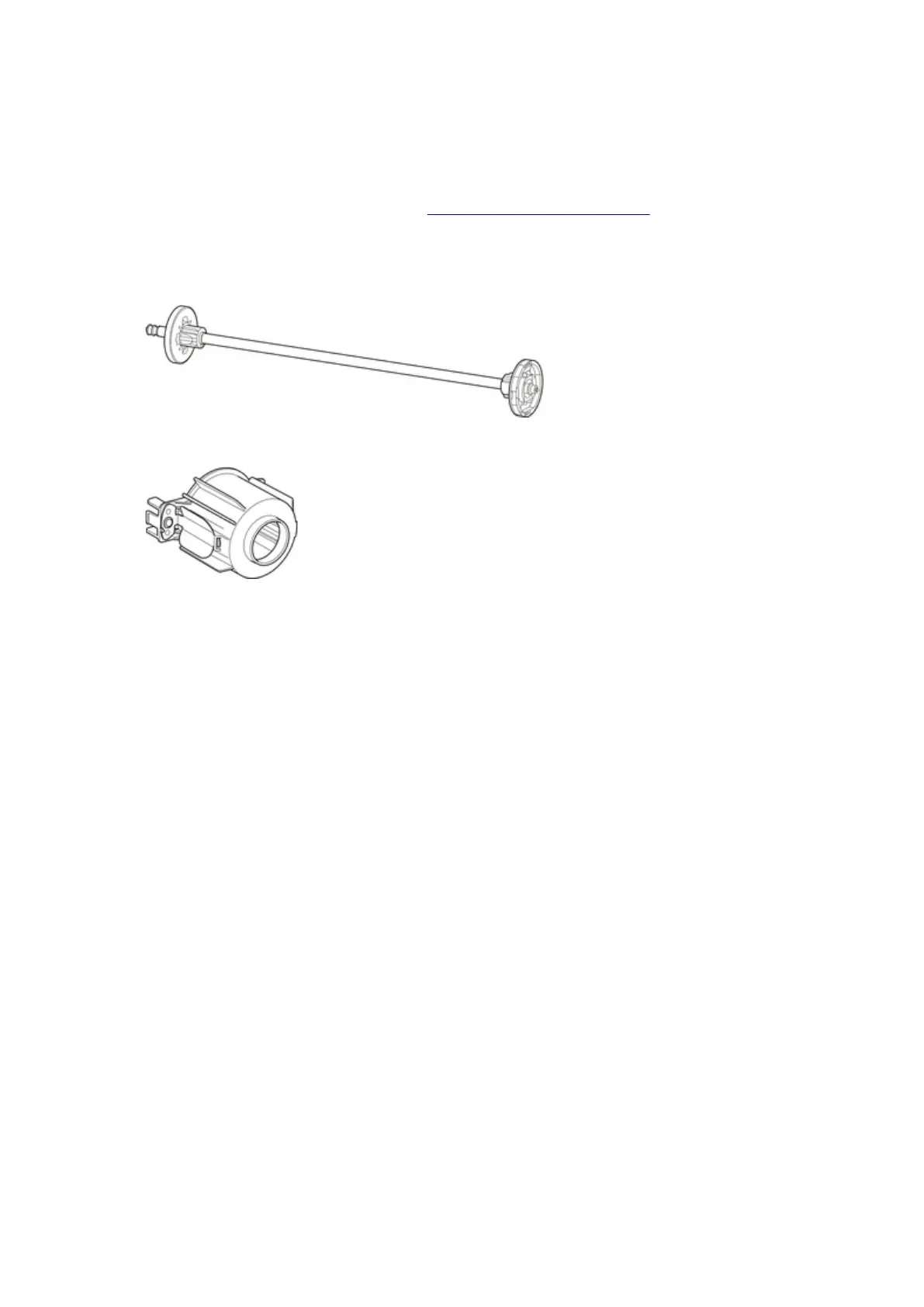
Roll Holder Set
Load roll paper on the roll holder and then load the holder in the printer. You can use the Roll Holder in the
RH2-65 roll holder set with both 2-inch and 3-inch paper cores. However, if using 3-inch core roll paper,
attach the 3-Inch Paper Core Attachment. (See "Loading Rolls on the Roll Holder.").
• Roll Holder Set RH2-65
◦ Roll Holder (for 2- and 3-inch paper cores)
◦ 3-Inch Paper Core Attachment (×2)
211












 To Next Page