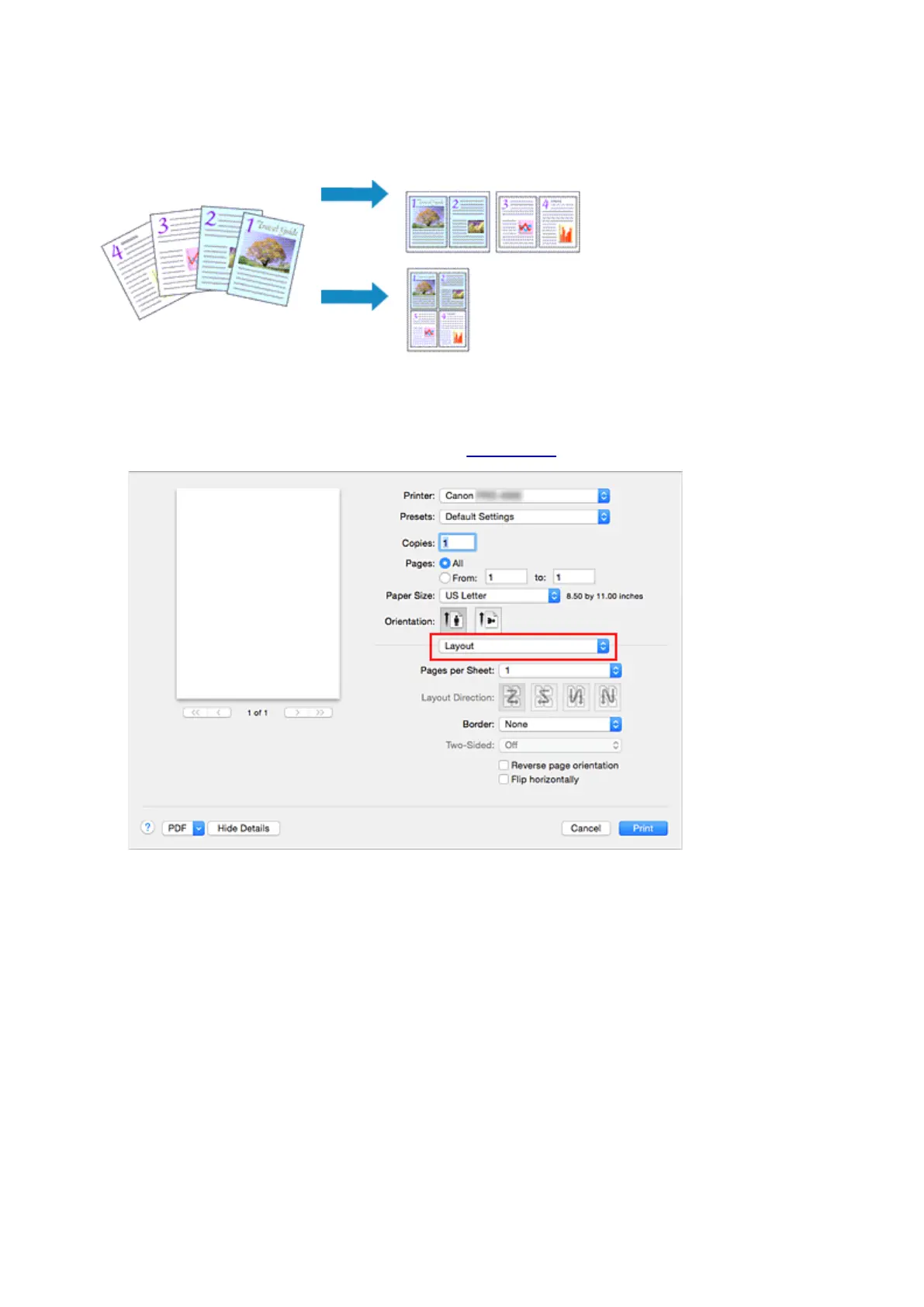
Printing Multiple Pages All on One Page
The page layout printing function allows you to print more than one page image on a single sheet of paper.
The procedure for performing page layout printing is as follows:
1.
Select Layout from the pop-up menu in the Print Dialog
2.
Set the number of original you print on one page
In Pages per Sheet, specify the number of page you print on one page.
3. If necessary, set the following items
Layout Direction
To change the page placement order, select an icon from the list.
Border
To print a page border around each document page, select a type of page border.
Reverse page orientation
Select this check box to change the paper orientation.
484












 To Next Page