Pausing Printing
During printing, if you set Pause printing to Enable, the printer enters a state in which printing is paused,
after the completion of the printing process when this setting was made.
Printing from the job queue is not possible in this state.
To restore normal operation after pausing printing, set Pause printing to Disable.
Note
• In the following cases, the status is cleared even if you do not set Pause printing to Disable, and
printing from the job queue resumes.
• When paper is advanced
• If you changed the media type from the paper settings display area
1.
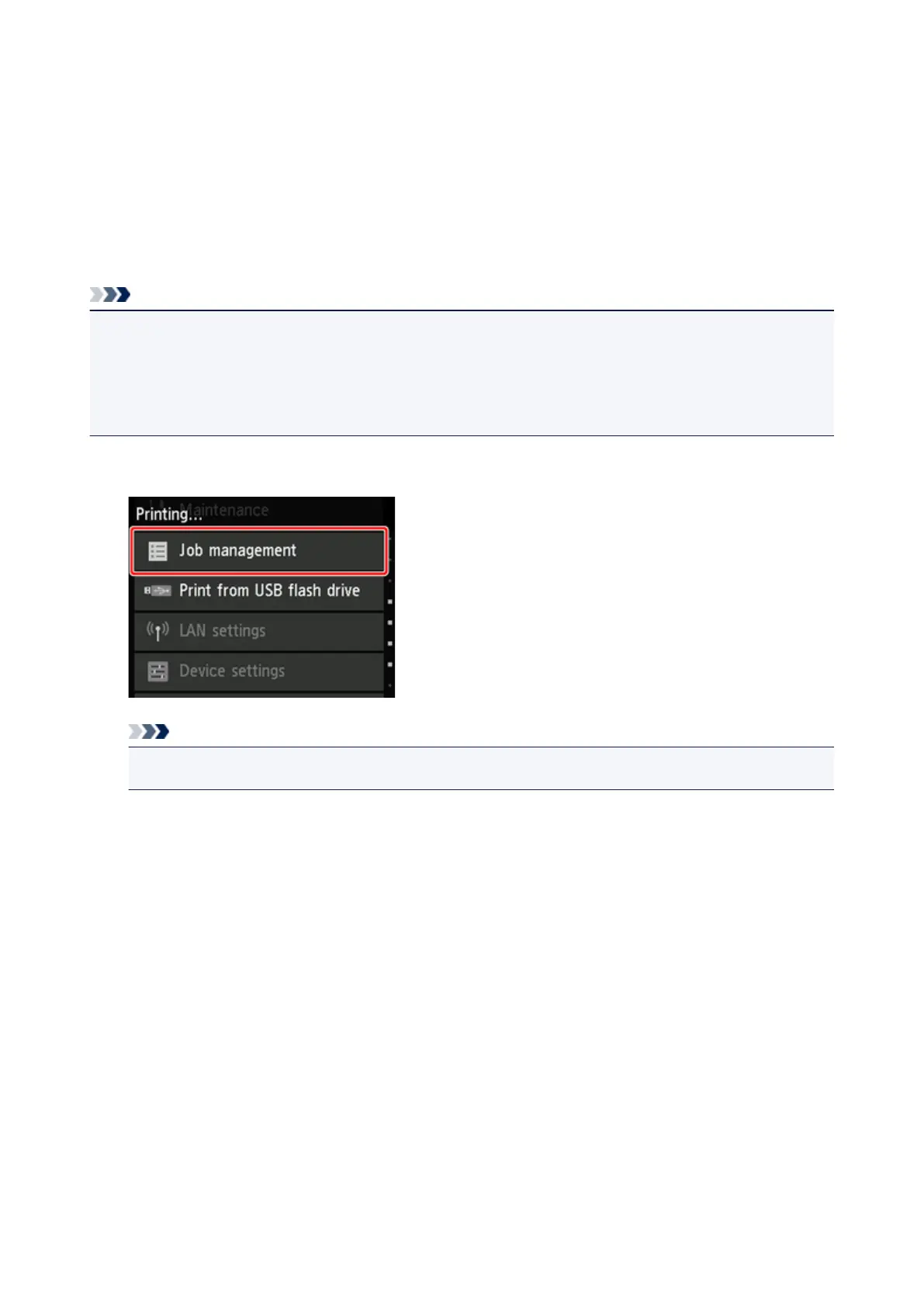
Tap Job management on Home screen during printing.
Note
• If the Home screen does not appear, press the Home button.
2.
Tap Pause printing.
3.
Tap Enable or Disable.
413












 To Next Page