Clearing a Jammed Sheet
If a sheet jams, follow the steps below to remove it.
1.
Turn off the power to the printer.
Turning the Printer On and Off
2.
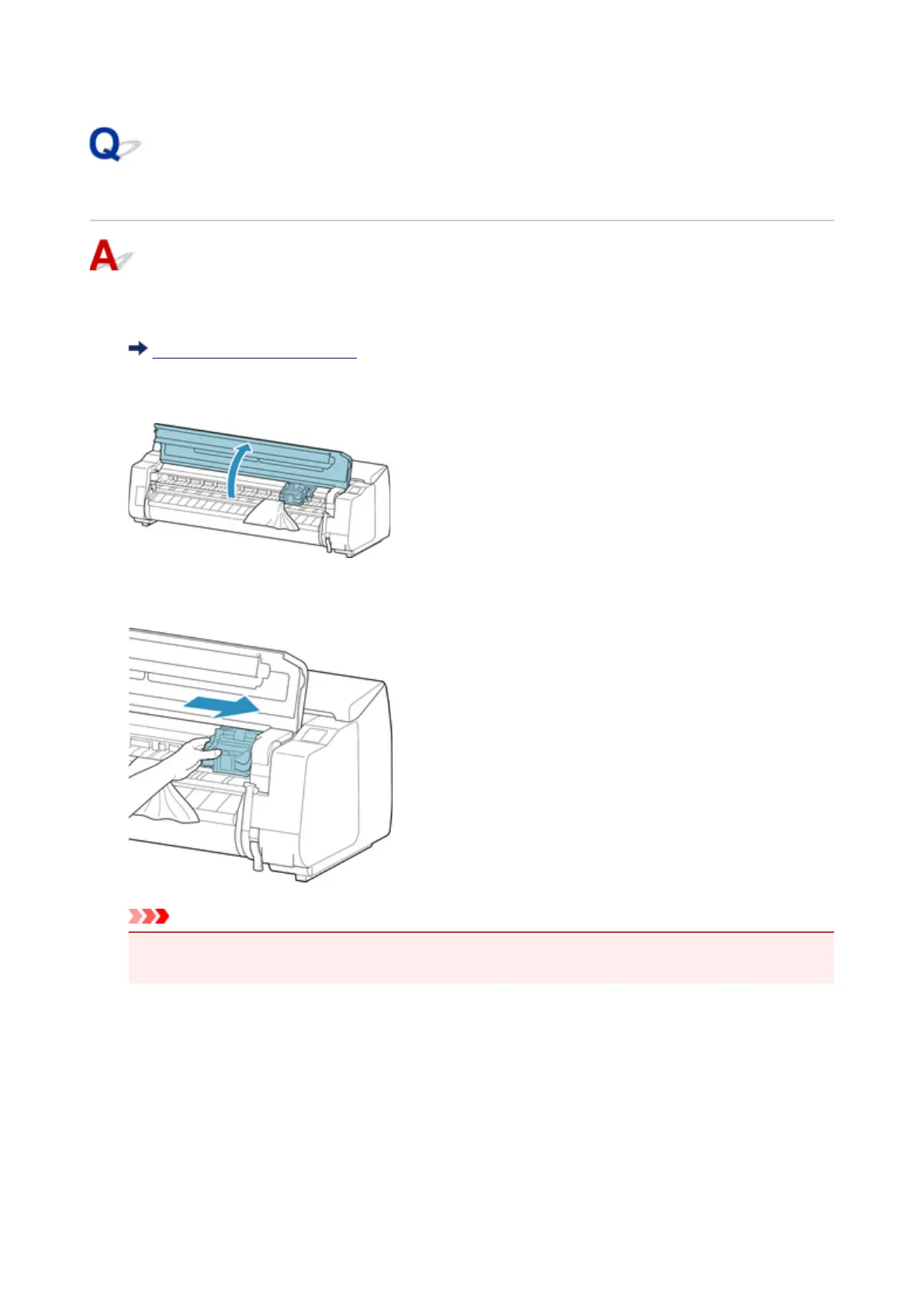
Open the top cover.
3.
If the Carriage is out, move the Carriage out of the way, away from the paper.
Important
•
Do not touch the linear scale (A), carriage shaft (B), or ink tube Stabilizer (C). Touching these may
cause malfunction.
609












 To Next Page