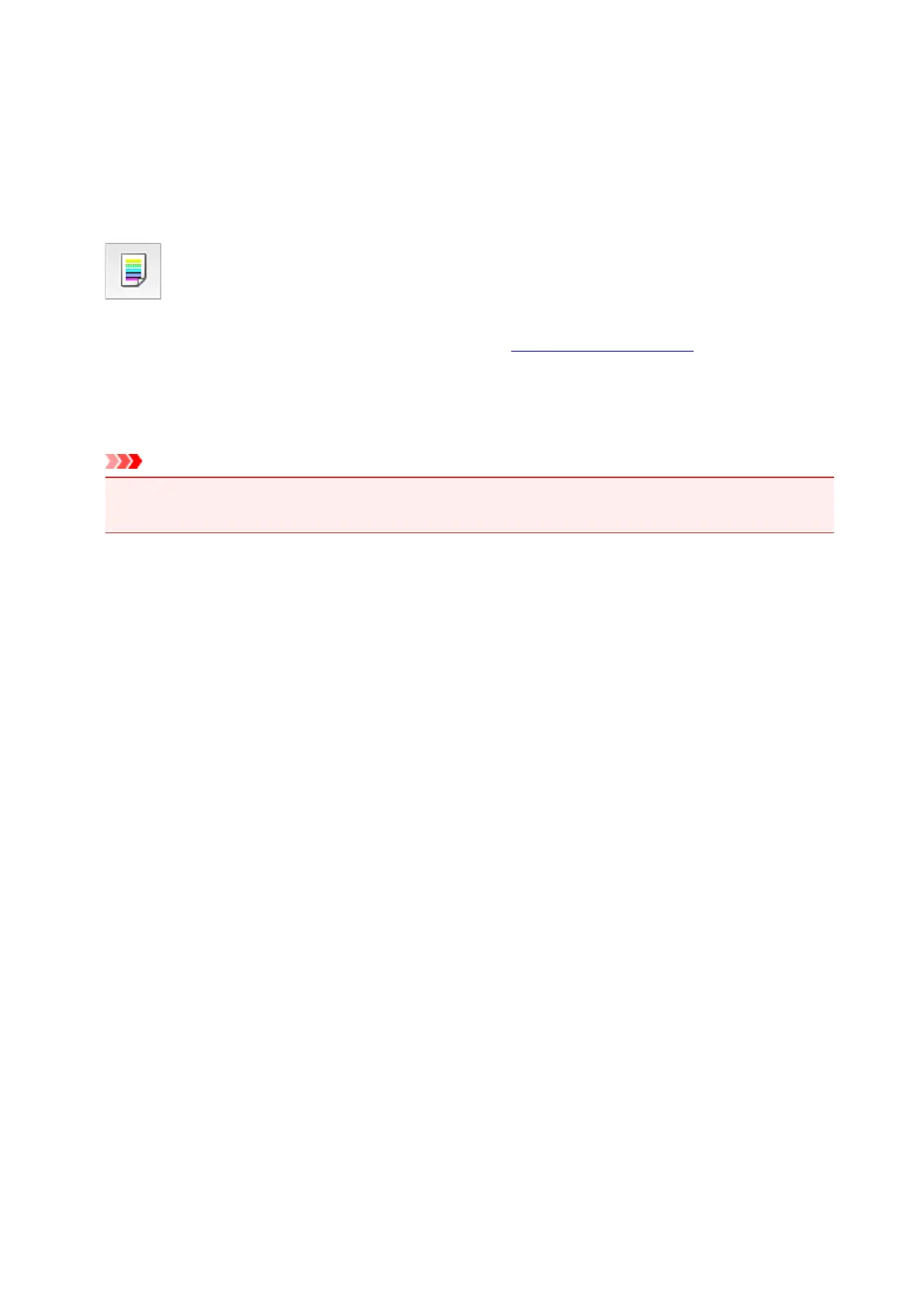
Adjusting the Paper Feed Volume
When different color figures are found in the print results or the length of the lines printed in the line feed
direction is not accurate, the printing results can be improved by adjusting the lined feed volume.
Here, we explain the procedure for adjusting the line feed volume.
Paper Feed Amount Adjustment
1.
Select Test Print from the pop-up menu on the Canon IJ Printer Utility3
2.
Click the Paper Feed Amount Adjustment icon
Adjust the paper feed volume.
Important
• When using connected to the network, the Test Print is not displayed on OS X Mountain Lion v10.8,
or OS X Lion v10.7.5.
347












 To Next Page