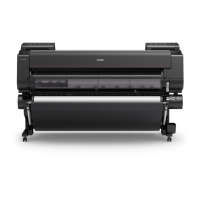
Roll paper not switching automatically
When using certain paper types and widths under certain temperature and humidity conditions, roll
paper auto switching may not be possible.
Set Paper retention setting to Release in the touch screen menu and feed the paper manually.
Menu Structure
Loading the Upper Roll on the Printer
Note
• Roll paper cannot not be fed or switched automatically until you change this setting.
614







 To Next Page