Scaled Printing
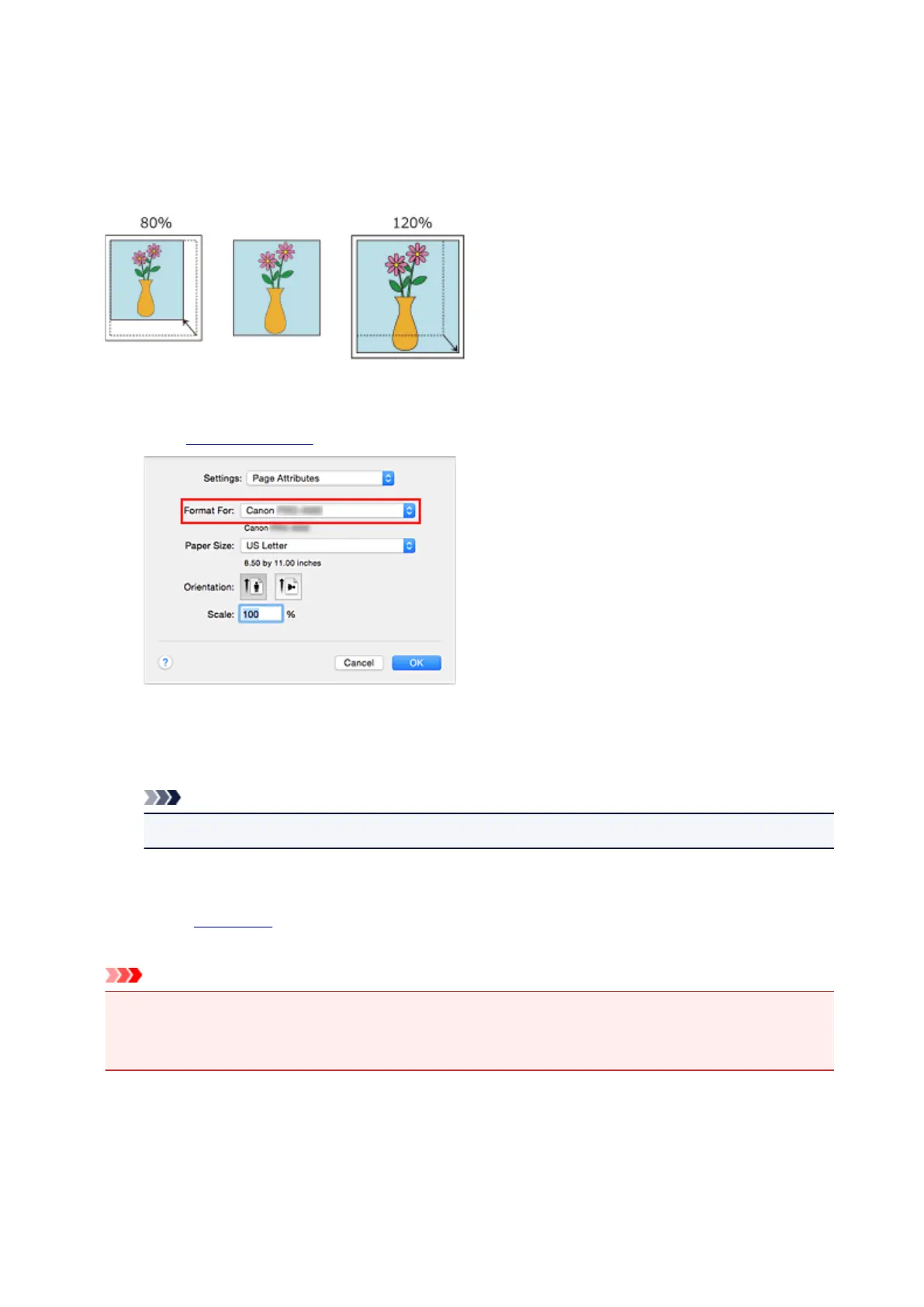
The procedure for printing a document with pages enlarged or reduced is as follows:
Printing by Enlarging/Reducing Document to Specified Ratio
1.
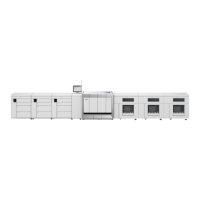
Select the printer
In the Page Setup Dialog, select your model name from the Format For list.
2.
Set scaled printing
Specify the scaling factor in the Scale box, and click OK.
Note
• Depending on the Scale value that you set, an error message may be displayed.
3.
Complete the setup
On the Print Dialog, click Print.
When you execute print, the document will be printed with the specified scale.
Important
• When the application software which you used to create the original has the scaled printing function,
configure the settings on your application software. You do not need to configure the same setting in
the Page Setup dialog.
462







 To Next Page