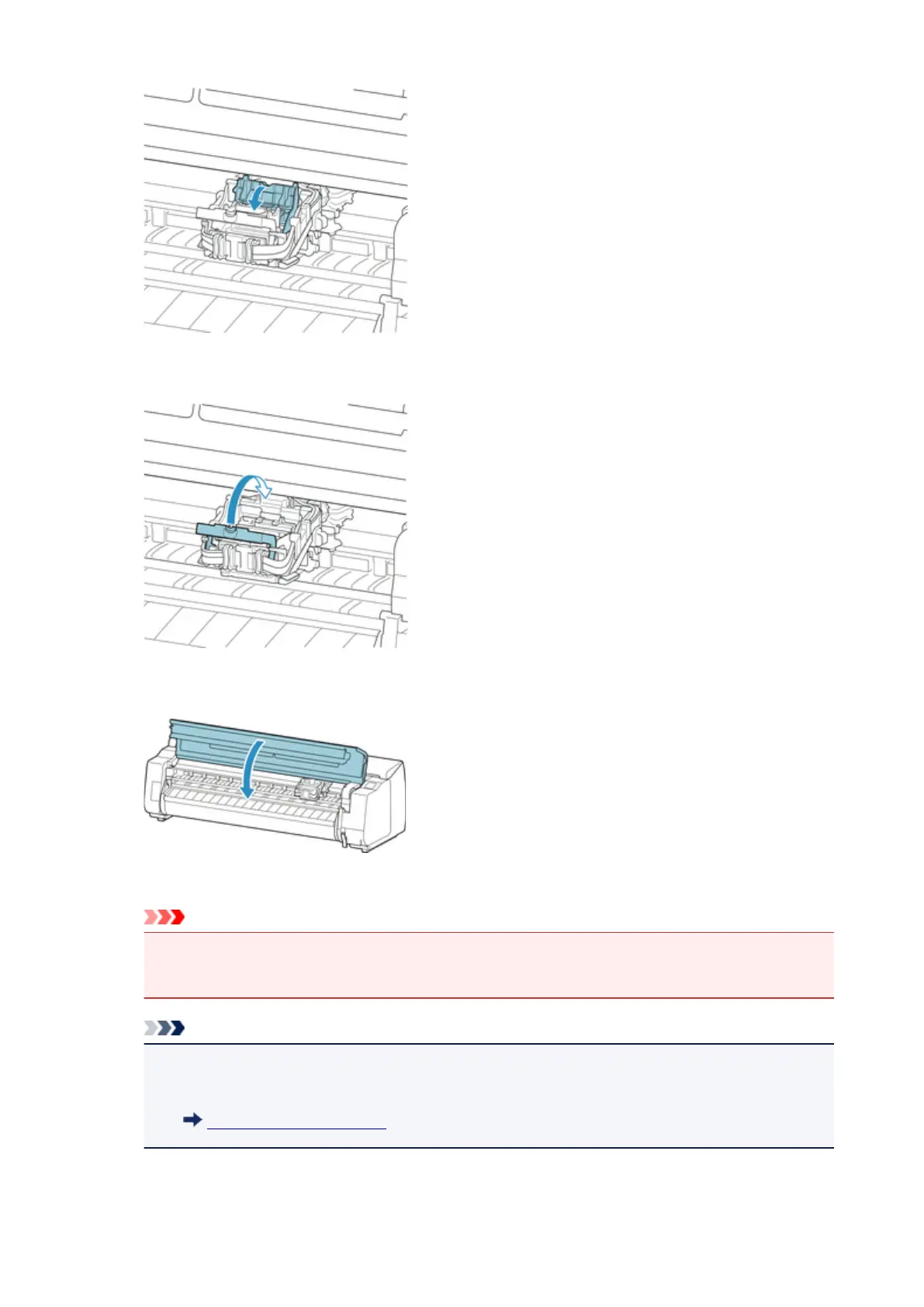
12.
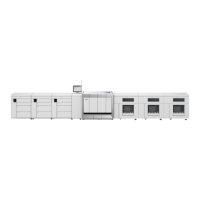
Lower print head lock lever toward the back until it clicks.
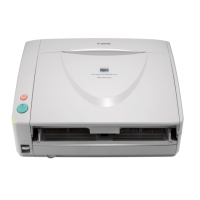
13.
Close top cover.
Ink now fills the system. It takes about 18 or 19 minutes.
Important
•
While ink is being filled, definitely do not remove the ink tank or maintenance cartridge. Ink may
leak out.
Note
•
Print head position adjustment is executed when Print pattern after new head is set to ON.
Follow the instructions on the touch screen to load paper.
Auto maintenance settings
326







 To Next Page