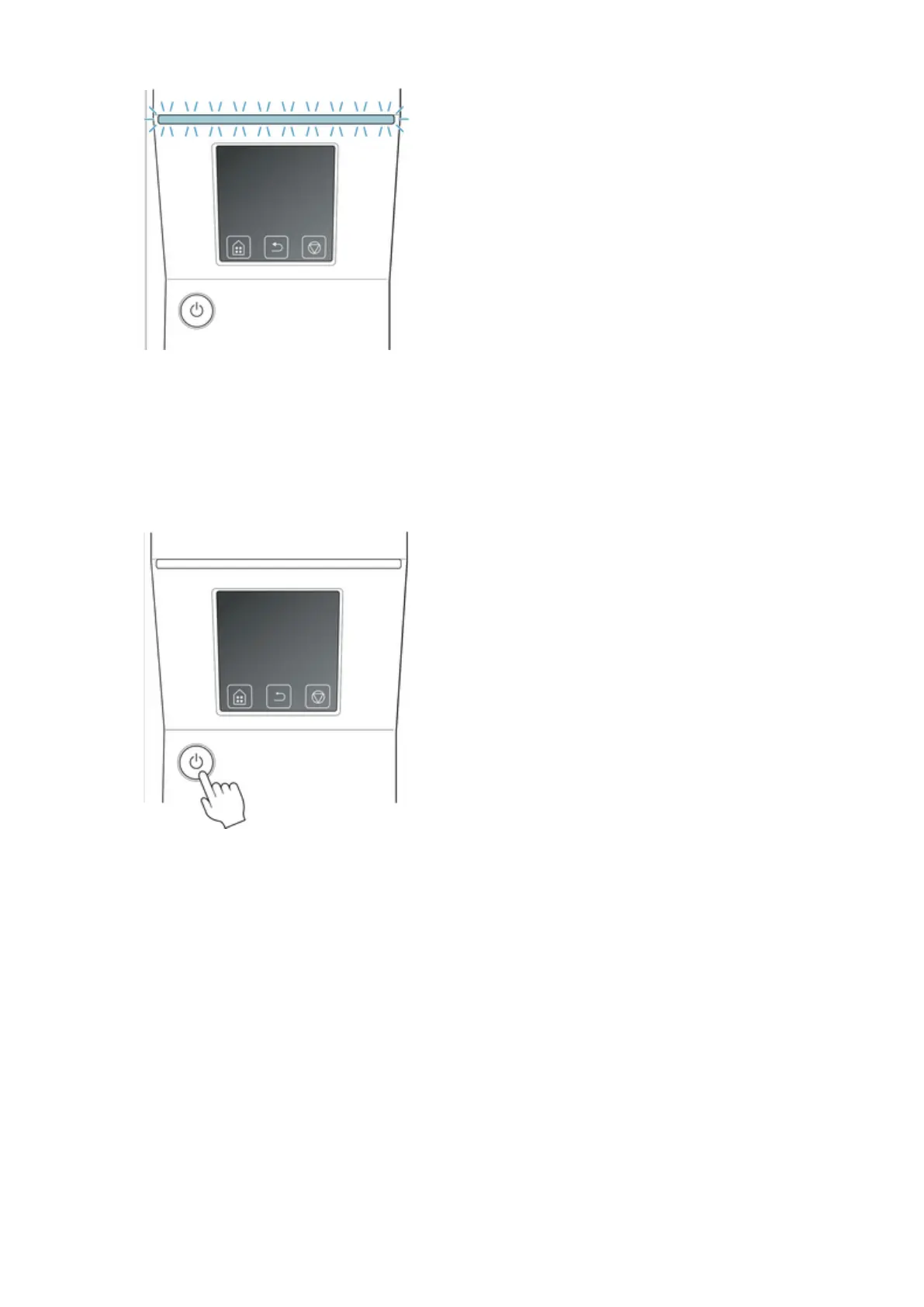
If the Status lamp is flashing orange, check the message on the touch screen and take action as
necessary.
If the Status lamp is flashing white, the printer is receiving a print job. Turn off the printer after printing
is finished.
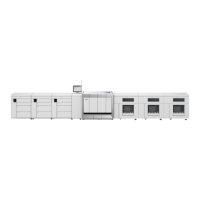
2.
Hold down the ON button for more than a second.
"Ending Please wait a while." appears on the touch screen, and the printer turns off.
397







 To Next Page