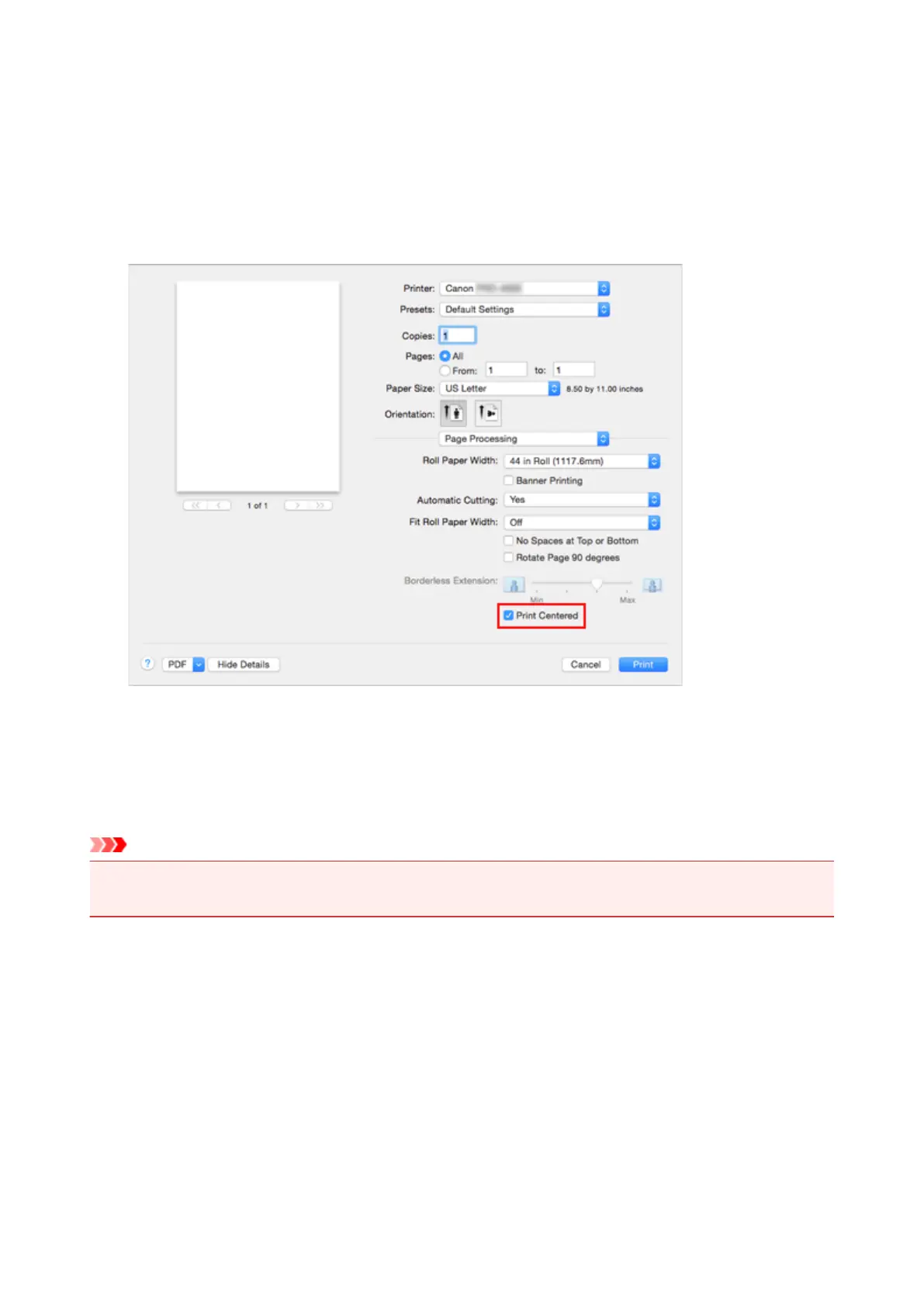
7. Selecting Roll Paper Width
If you selected a roll paper for Paper Source, set Roll Paper Width to the width of the roll paper loaded
in the printer.
8. Print document in the center of paper
Check the Print Centered check box.
9.
Complete the setup
Click Print.
When you print, the printer automatically lays out the document to the center of the page and then prints
it.
Important
•
When configuring to print the whole sheet borderless, the Print Centered in the pop-up menu Page
Processing of the Print Dialog is grayed out and cannot be selected.
487












 To Next Page