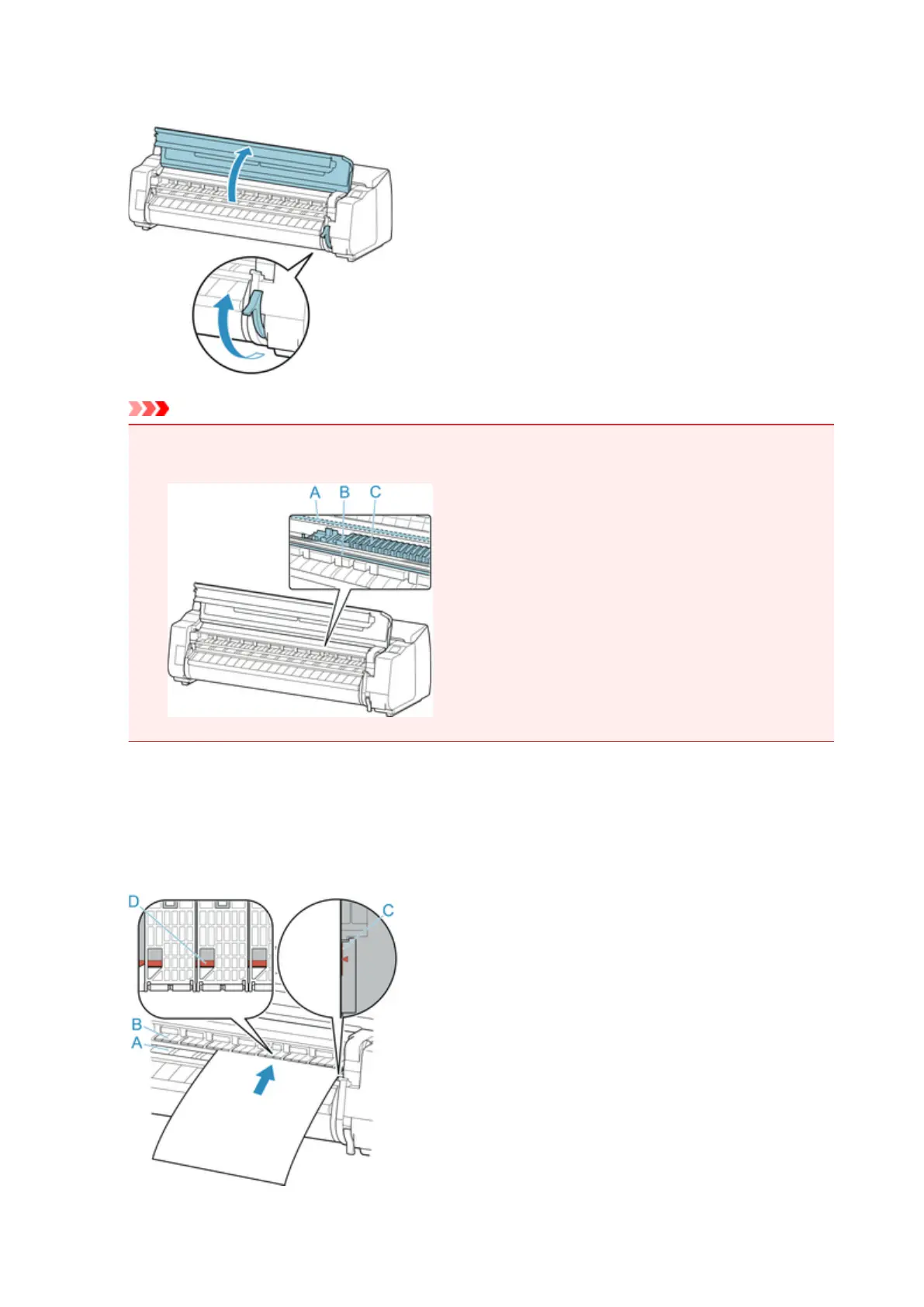
2. Open top cover and lift release lever.
Important
•
Do not touch Linear Scale (A), carriage shaft (B), or Ink Tube Stabilizer (C). Touching these parts
may damage them.
3.
Place cut sheet with the print side up, insert in portrait orientation between platen (A) and
paper retainer (B), and align paper's far edge using the following steps.
1. Load while aligning with right side paper alignment line (C).
2. Align far edge of inserted sheet with leading edge of paper alignment line (D) as shown.
87












 To Next Page