142
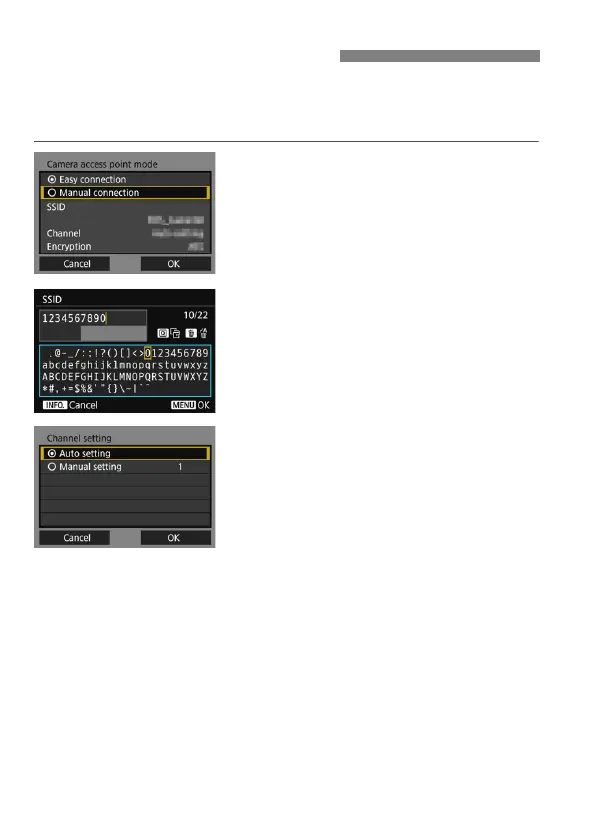
Set the network settings for the camera access point mode manually.
Set [SSID], [Channel setting], and [Encryption settings] on each
screen displayed.
1
Select [Manual connection].
Select [OK] and press <0> to go to
the next screen.
2
Enter an SSID (network name).
Enter any characters using the virtual
keyboard (p.21).
When you are finished, press the
<M> button.
3
Select the desired channel
setting.
To specify the settings manually,
select [Manual setting], then turn the
<6> dial.
Select [OK] and press <0> to go to
the next screen.
Setting Network Manually



 To Next Page