58
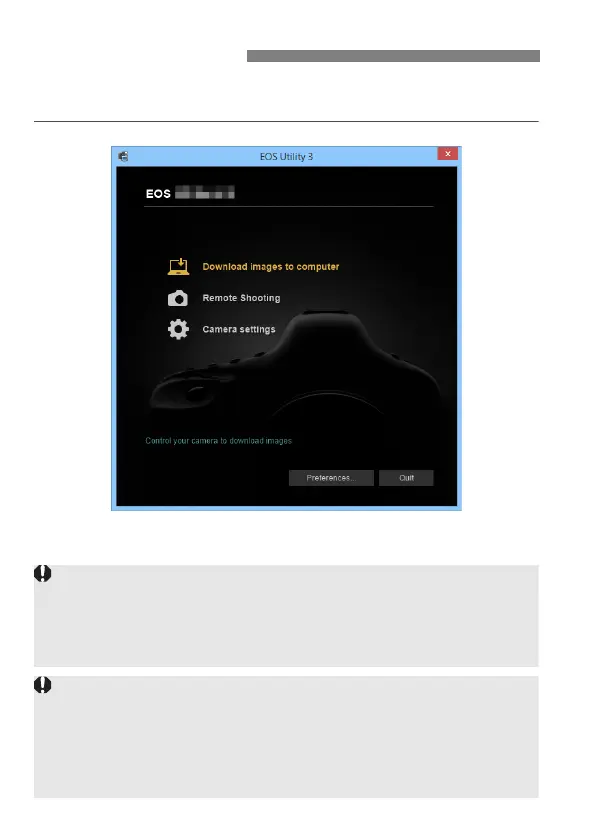
For EOS Utility instructions, refer to the EOS Utility Instruction Manual.
In addition to remote shooting, various camera operations are available.
Using EOS Utility
In Remote Live View shooting, the rate of image transmission is slower
compared to a connection via an interface cable. Therefore, moving
subjects cannot be displayed smoothly.
While connected, [Multiple exposure], [RAW image processing],
[Cropping], or [Resize] cannot be selected.
Do not hold the camera in the same position for long periods of time.
Even if the camera does not feel too hot, prolonged contact with the same
body part may cause skin redness or blistering due to low-temperature
contact burns. Using a tripod is recommended for people with circulation
problems or very sensitive skin, or when using the camera in very hot
places.



 To Next Page