56
These instructions are continued from Chapter 1.
To establish a connection, operations on the computer are required.
For details, refer to the computer’s instruction manual.
The configuration procedure is as follows, using Windows 8.1 as an
example.
1
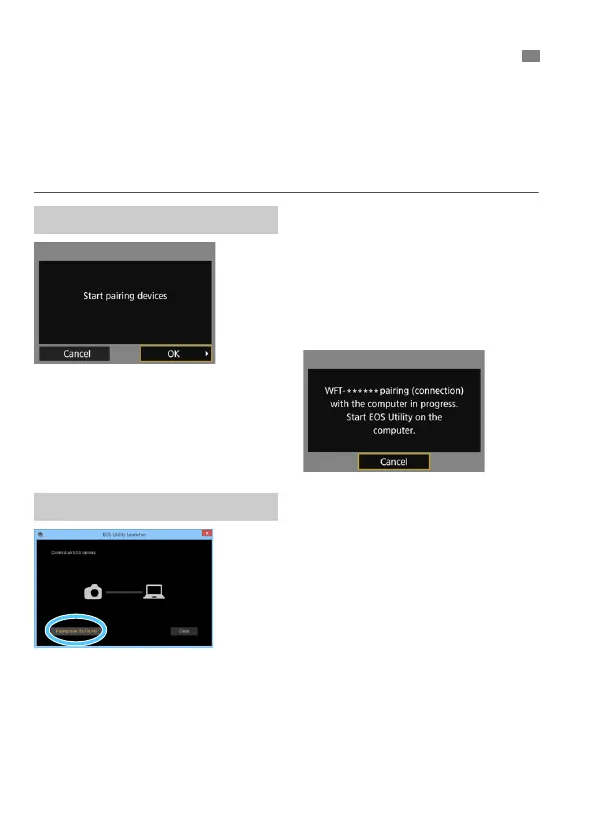
Select [OK].
Select [OK] and press <0>. The
following message is displayed.
“******” represents the last six digits of
the MAC address of the transmitter.
2
Start EOS Utility on the computer.
3
In EOS Utility, click [Pairing over
Wi-Fi/LAN].
If a firewall-related message is
displayed, select [Yes].
Configuring EOS Utility Connection Settings
Operation on the Camera-1
Operation on the Computer



 To Next Page