60
These instructions are continued from Chapter 1.
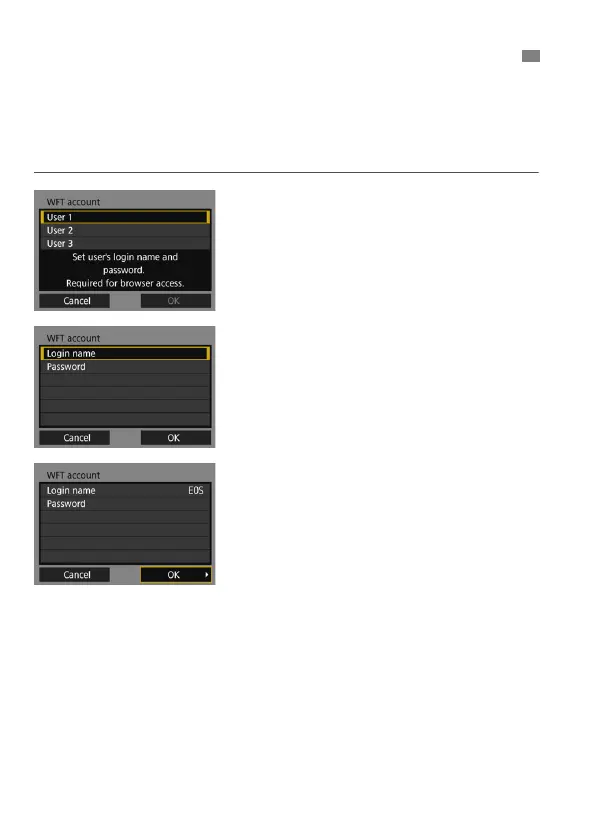
Enter a login name and password for connecting to the camera from a
computer. The login name and password you specify here are used
when connecting to the camera.
1
Select [User *].
With WFT Server, you can connect
the camera to up to three devices.
Select a user number to prevent
conflicts when users at other devices
are connected simultaneously.
2
Select [Login name] or
[Password].
The virtual keyboard is displayed.
See page 21 to enter a login name
and password.
3
Select [OK].
After specifying the login name and
password, select [OK] and press
<0>.
The screen for step 1 will reappear.
To add a user, repeat steps 1 to 3.
Configuring WFT Server Connection Settings



 To Next Page