78
You can use a smartphone with Camera Connect installed to view
images stored in the camera and shoot remotely.
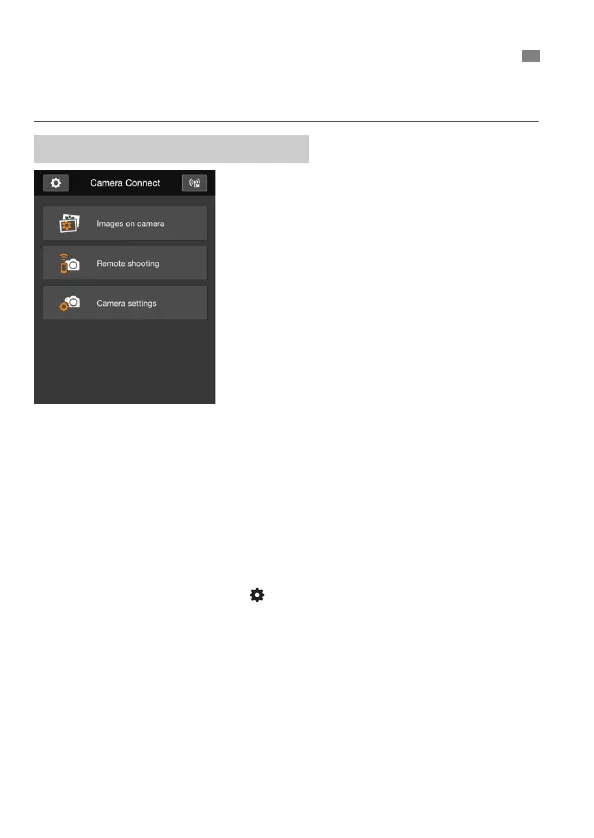
The main functions of Camera Connect
are described below. Touch the screen to
learn the operation procedures.
[Images on camera]
Images stored in the camera can be
viewed.
Images stored in the camera can be
saved on a smartphone.
Operations such as deletion can be
performed on images stored in the
camera.
[Remote shooting]
The camera’s Live View image can
be viewed using a smartphone.
You can shoot using remote
operation.
[Camera settings]
Camera settings can be changed.
(Settings button)
Use this button to access various
settings for Camera Connect.
Operating the Camera Using a Smartphone
Camera Connect Main Window



 To Next Page