61
Configuring WFT Server Connection Settings
4
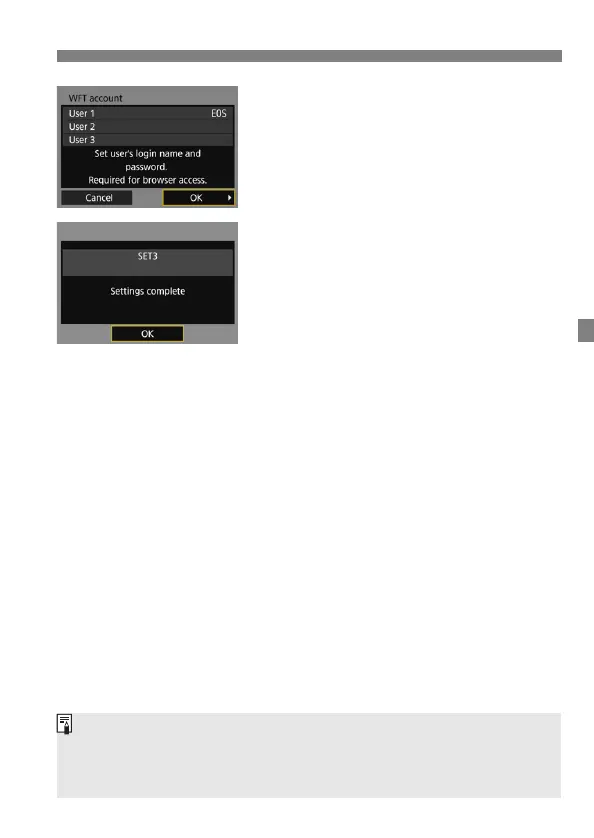
Select [OK].
Select [OK] and press <0>. A
connection completion screen will
appear.
5
Select [OK].
Press <0> to return to the [Network
settings] screen.
Settings information is stored in the
camera. It is not stored in the
transmitter.
The settings for connecting to WFT Server are now complete.
You can change the WFT account settings on the [Function settings]
screen (p.114). The port number setting can also be changed on the
[Function settings] screen. Note that there is normally no need to change
the port number (80).



 To Next Page