20
Basic Communication Function Settings
4
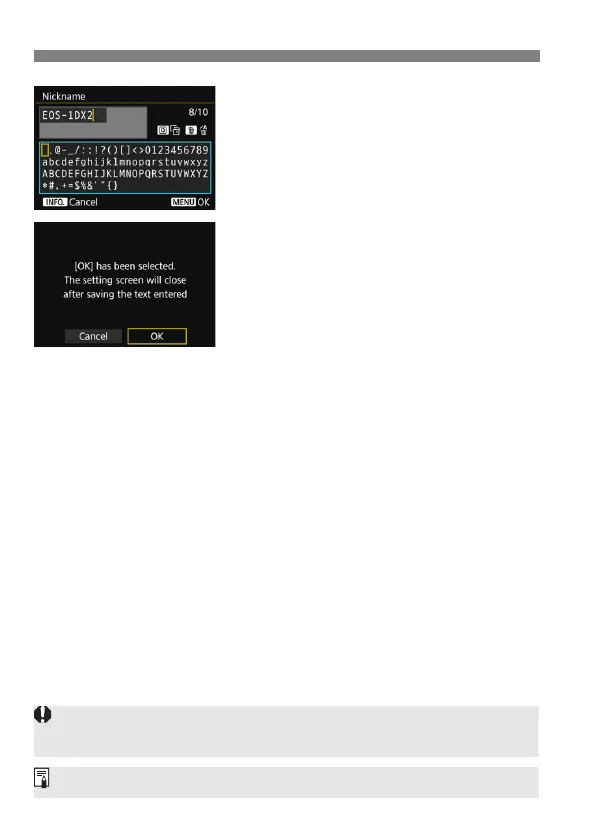
Enter a nickname.
For instructions on entering
characters, see the next page.
Enter any characters between 1 to 10
characters in length.
5
Exit the setting.
When you are finished, press the
<M> button.
Select [OK] on the confirmation
dialog and press <0> to return to
the menu screen.
The basic settings for the communication function are now complete.
For further explanation of syncing the camera time and linked
shooting, see the following pages.
Syncing the camera time B page 97
Linked shooting B page 83
For connection settings other than the above, see the explanation from
page 22.
Since the nickname is mandatory information for a LAN connection, you
cannot delete all the characters.
By default, the camera name will be displayed for the nickname.



 To Next Page