24
Displaying the Connection Wizard
8
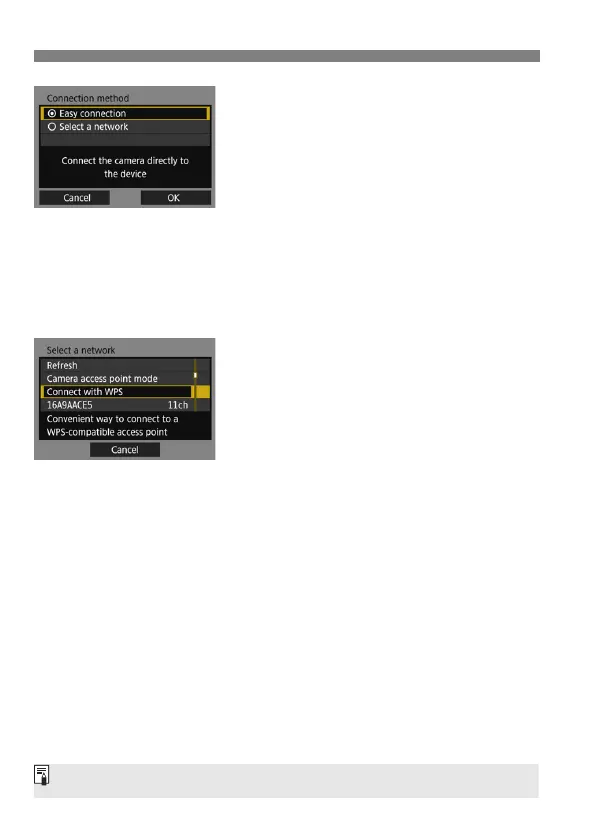
Select the connection method.
Not displayed when [FTP trans.] is
selected in step 6. Proceed to step 9.
Select an item, then press <0>.
To connect the camera directly to
each device, select [Easy
connection]. Proceed to page 25.
To connect using a Wi-Fi access
point, select [Select a network].
Proceed to step 9.
Select [OK] and press <0> to go to
the next screen.
9
Select the network.
Select a network connection method.
For subsequent operations, see page
27.
For [Camera access point mode] displayed in step 9, see page 36.



 To Next Page