Maintenance
-48-
5
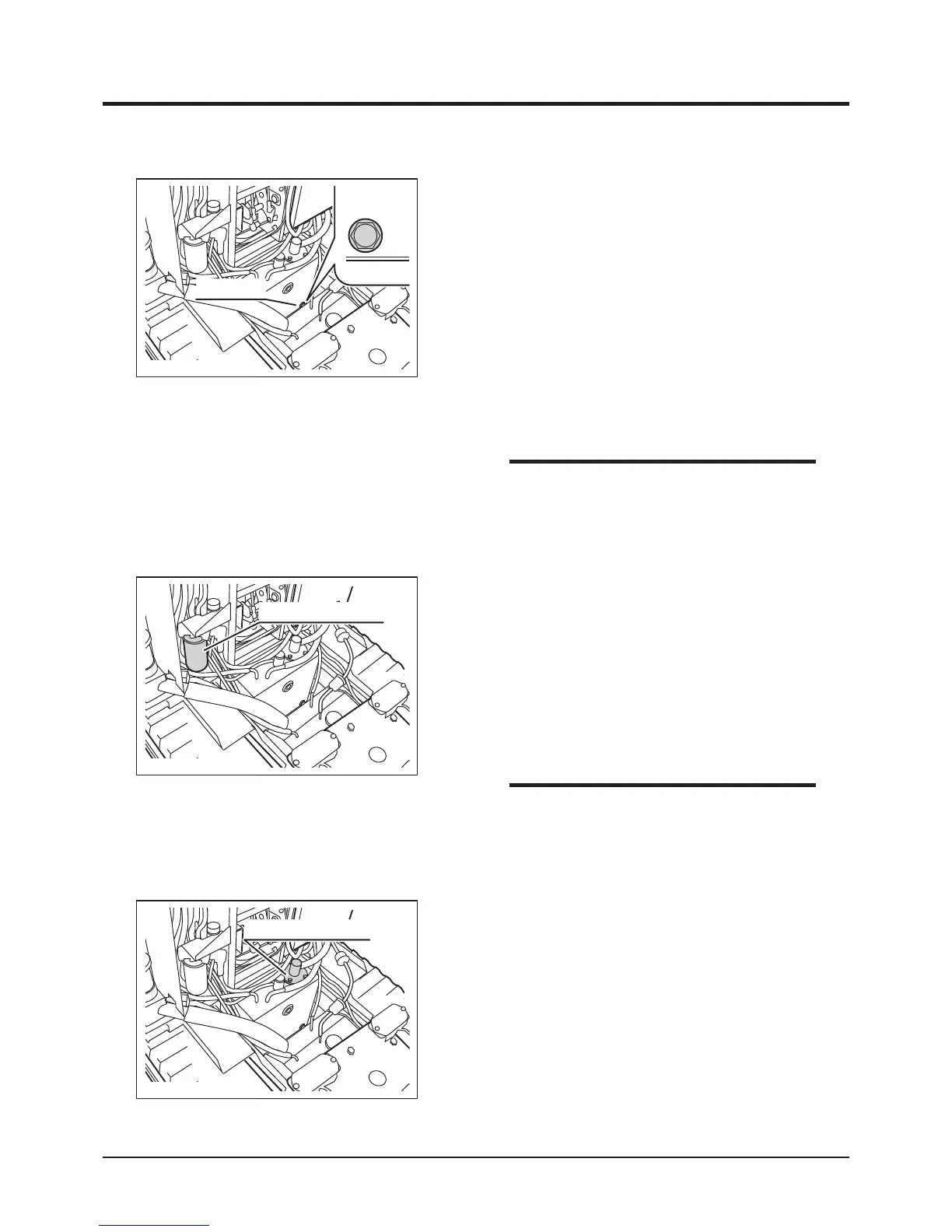
6. Remove line lter cartridge with the oil lter
wrench.
7. Have a new line lter cartridge ready. Apply
clean hydraulic uid (oil) on the cartridge oil
seal evenly.
8. Screw in the new line lter cartridge. Tighten
it by hand until the cartridge is rmly in place.
3683M-0507-040E
Line Filter Cartridge
9. Unfasten the bolts and remove suction lter
mount.
10. Unfasten suction filter with a wrench and
install a new lter. Tighten it securely.
3683M-0507-050E
Suction Filter Mount
• Replace both line filter cartridge and
suction filter element when hydraulic fluid
is changed.
NOTE
• D o NOT u se th e fil t er w ren ch wh e n
tightening the filter cartridge. Tighten it by
hand.
NOTE
3683M-0507-030E
Drain Plug
1. Lift the bucket and hold bucket with safety
prop. (Page 31) Lock dump lever with lock
plate.
2. Remove tank cover panels 1 and 2. (Page
40)
3. Have an appropriate oil drain pan.
4. Remove drain plug to drain uid.
5. Wipe drain plug and drain hole clean. Put
drain plug back in place. Tighten it securely.
Changing



 To Next Page