• Adjust belt tension properly. Inproperly tensioned belts may reduce
performance and its service life.
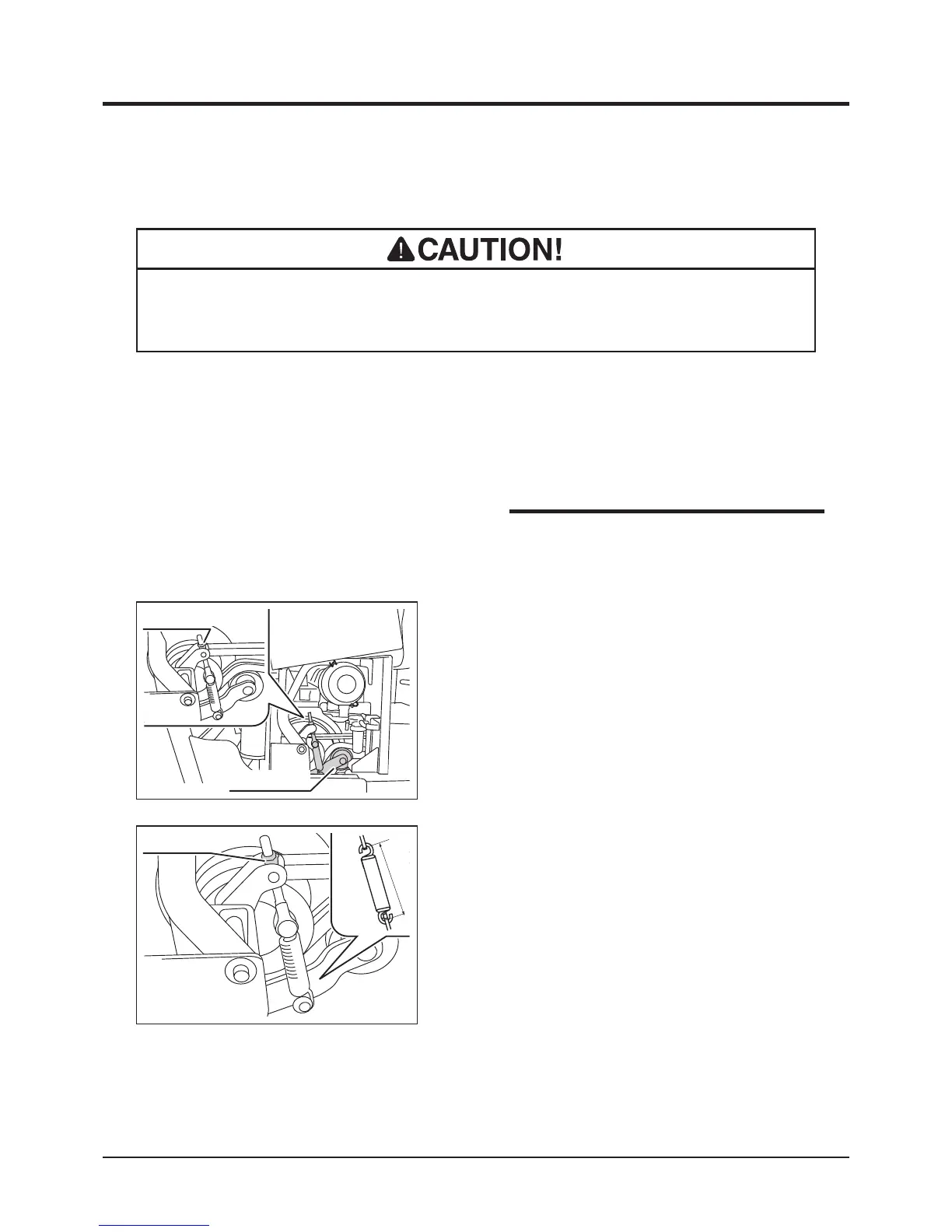
1. Open engine cover.
2. Loosen lock nut.
Adjusting
3683M-0507-080E
Tension Arm
Lock Nuts
• Contact your CANYCOM representative
when belt needs to be replaced.
NOTE
3. Adjust lock nut so that the inside dimension
between spring hooks is between 130 and
132 mm.
4. Close engine cover.



 To Next Page