Phone Basics
Customer Support 1-877-557-2227 17
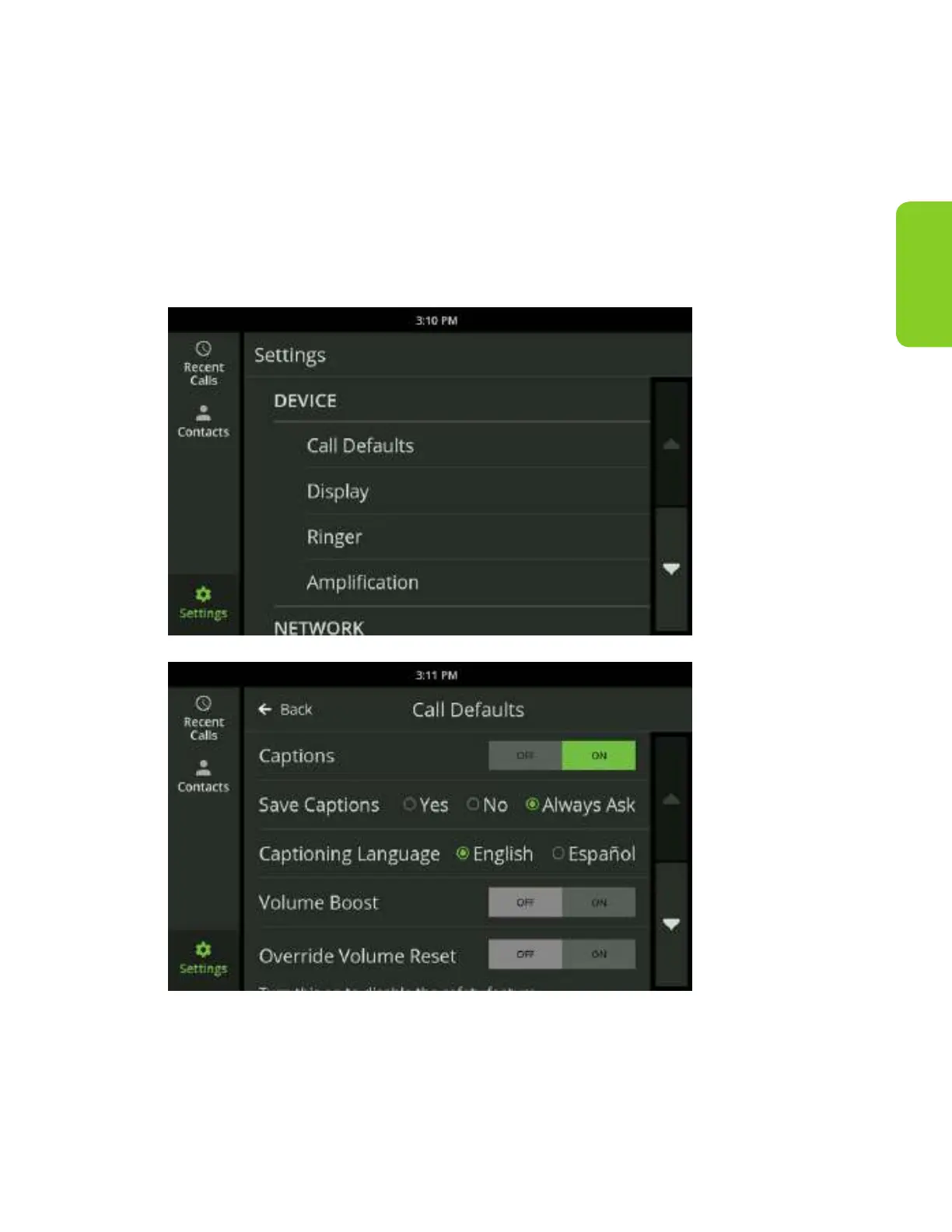
Turn Captions On Automatically
If you are using captions for most of your calls, you may prefer to have captions
start automatically.
You can manage the caption default options in the Settings menu under
Captions. To enable captions for all calls automatically, visit the Settings section of
the CaptionCall phone and select Call Defaults, then touch “ON” next to Captions.



 To Next Page