Phone Basics
22
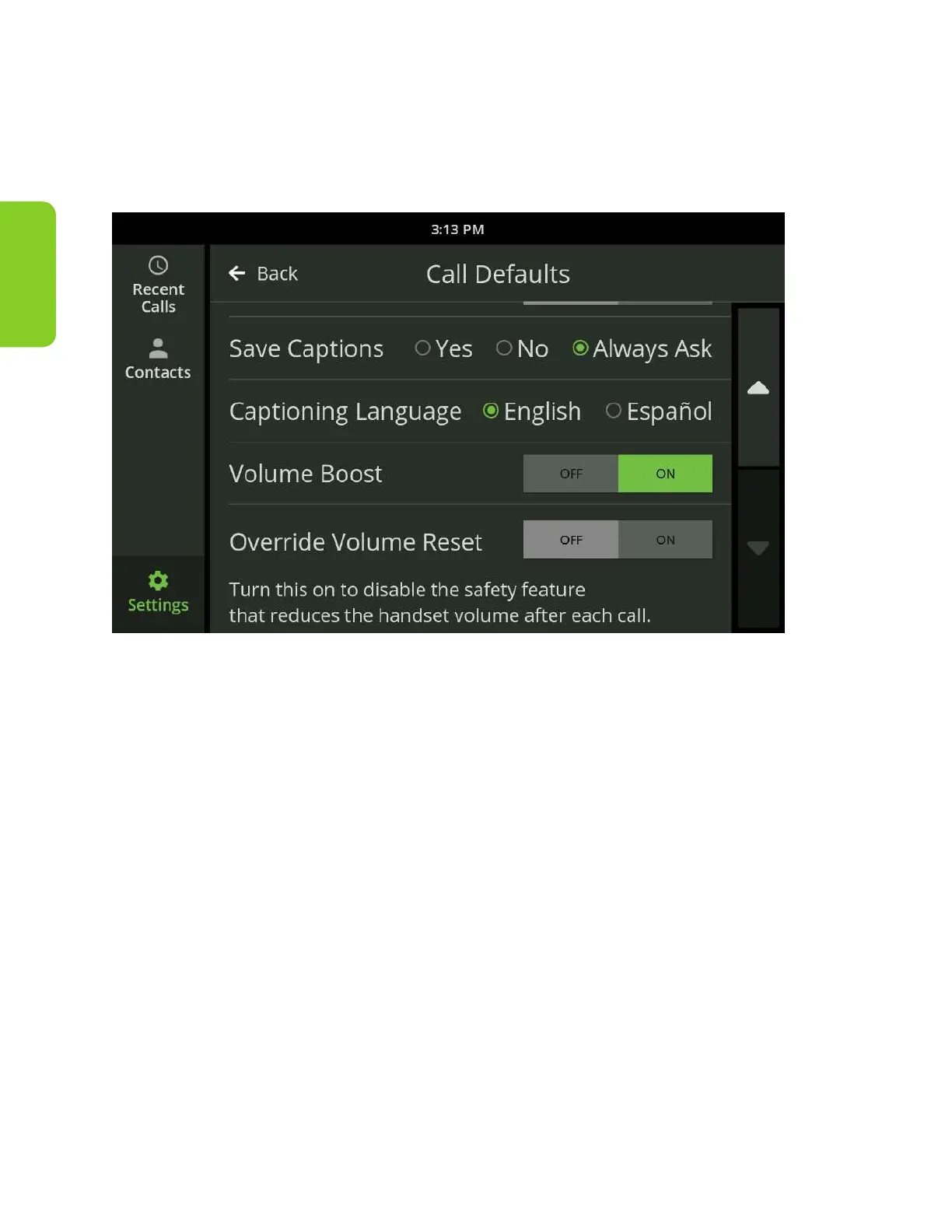
Volume Boost
The Volume Boost feature is designed to increase the CaptionCall phone volume
for those who may need extra amplication. To enable Volume Boost, visit the
Settings section of the CaptionCall phone and select Call Defaults.
Simply select “ON” to enable the feature and accept the warning. You may want
to experiment with the feature to decide if you prefer your audio with Volume
Boost or without.
When Volume Boost is enabled, the CaptionCall phone meets the most
advanced standard for volume amplication available.



 To Next Page