Contacts
Customer Support 1-877-557-2227 37
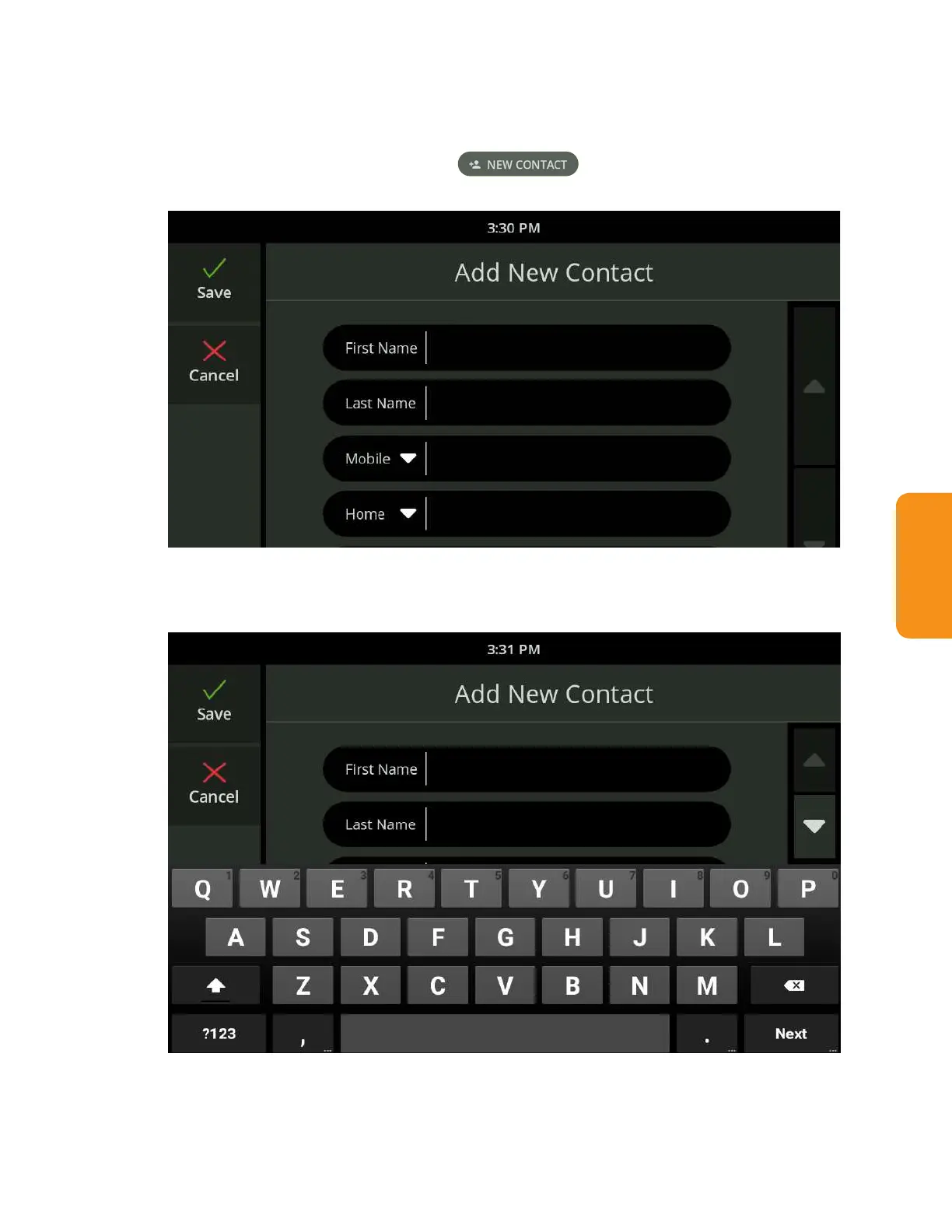
Add a Contact
1. Touch the Contacts button. The Contacts list is displayed.
2. Touch the New Contact button
.
The Add New Contact screen
is displayed.
3. To enter the contact’s information, touch the appropriate eld on the screen
to view the keyboard and type in the information.



 To Next Page