Settings
Customer Support 1-877-557-2227 57
Display Settings
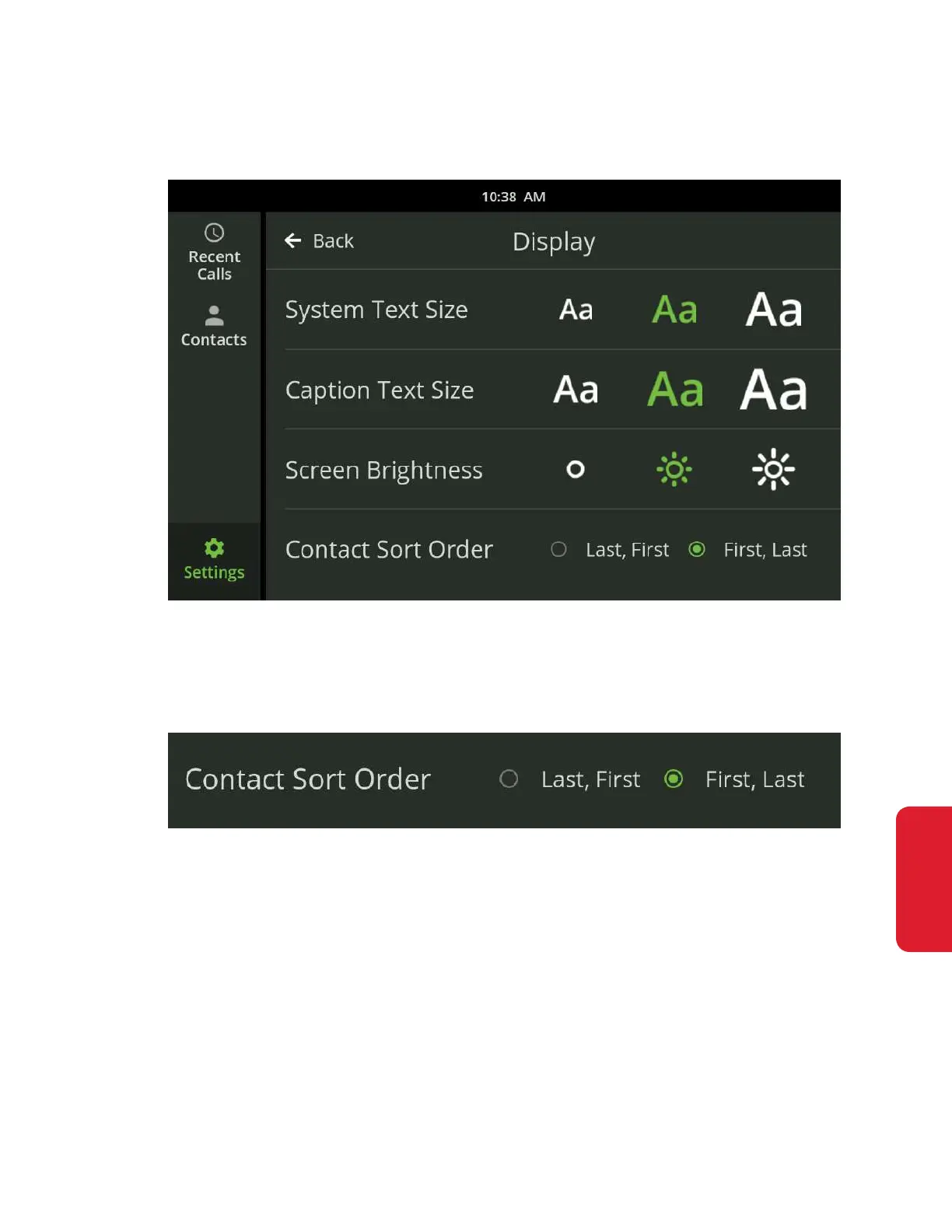
Display Settings allows you to control the sort order of your contact list, the text
size of captions and the brightness of the display.
Sort Order
The Contact Sort Order setting lets you specify the alphabetical order in which
your contacts are displayed in your Contacts List.
• Touch either First, Last or Last, First to change the sort order in the Contacts List
• Changing the sort order will change the letter under which a contact is sorted
in the Contacts List. For example, by selecting Last, First, “Arthur Franklin”
would be changed to “Franklin, Arthur” and sorted under F instead of A.



 To Next Page