58
Settings
58
Text Size
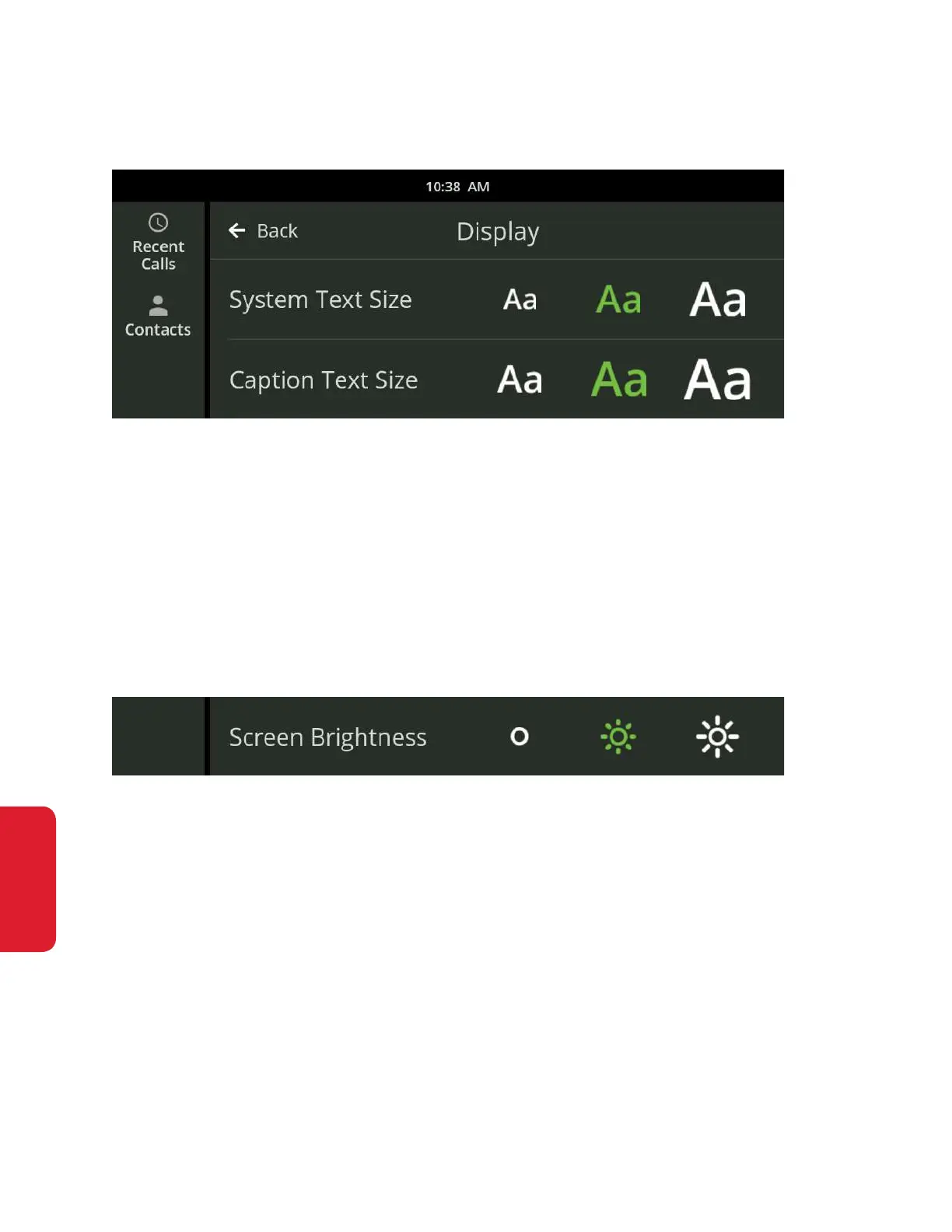
The Text Size setting lets you specify the size of the text that appears on the
display. There are three text size settings: Normal, Large and Extra Large.
• System Text Size changes the text size on each screen.
• Caption Text Size changes the text size for the captions you receive during a call.
Touch one of the Text Sizes to select your default text size. This size can be
increased during a call.
Brightness
The Brightness setting lets you increase or decrease the brightness of the
display. There are three brightness settings: Normal, Bright and Extra Bright.
Touch one of the Brightness buttons to select your default brightness setting.



 To Next Page