Contacts
Customer Support 1-877-557-2227 41
Edit a Contact
1. Open the Contacts list and select the contact you want to edit.
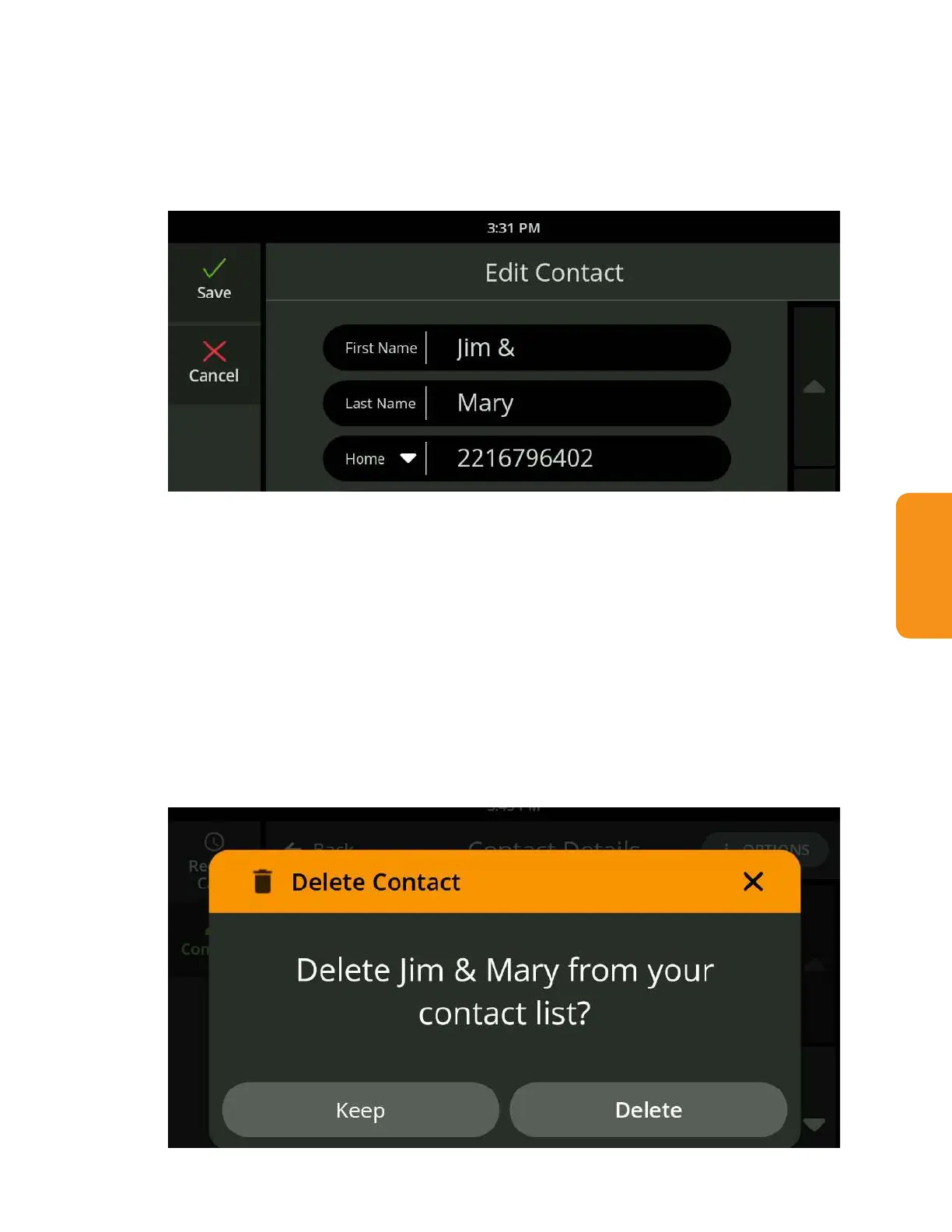
2. Select “Edit contact” from the Options menu in the upper right. The Edit
Contact screen is displayed.
3. Touch the elds you want to change. The keyboard will display to allow you
to make edits.
4. Touch the Save button.
Delete a Contact
1. Open the Contacts list and select the contact you want to delete.
2. Select “Delete Contact” from the Options menu in the upper right.
3. A conrmation window is displayed to verify whether you want to delete the
contact or keep it.
4. Touch Delete to remove the contact from the CaptionCall phone.



 To Next Page