Phone Basics
Customer Support 1-877-557-2227 25
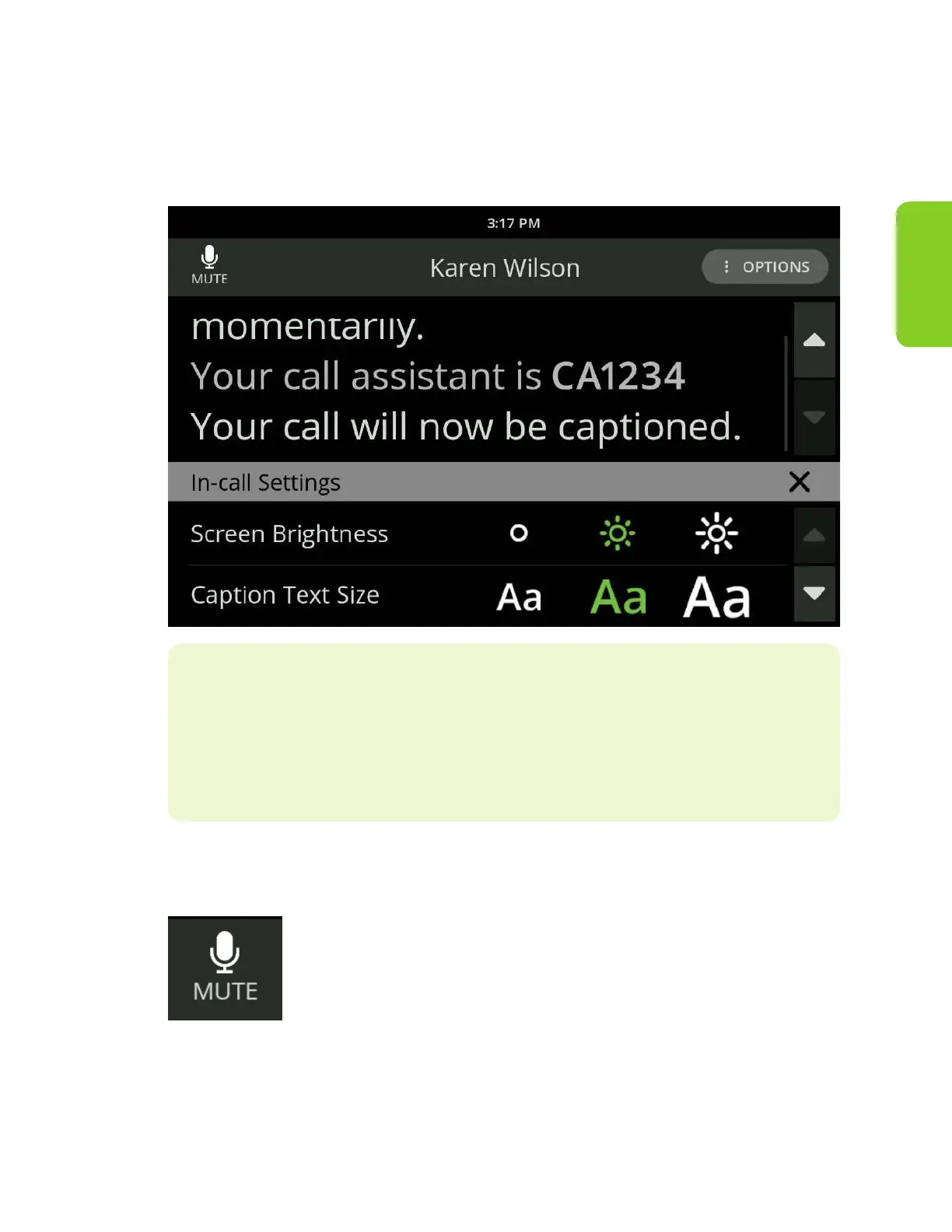
When in a call, if you need to adjust the text size or screen brightness:
1. Select “View Settings” from the Options menu near the upper right. The
available settings will display.
2. Adjust your settings as needed.
Helpful Hints
• Close the Options window by touching the X in the top right of the window
• The Options window will close after 15 seconds if it is not used
Mute a Call
When in a call, you can mute your side of a call at any time by
touching the Mute button. This will only mute your voice, and
your caller will still be heard and captioned.



 To Next Page