Contacts
40
Create a Favorites List
Your Favorites list allows you to select frequent contacts for quick access. Your
Favorites appear at the top of your contacts list
To add a contact to Favorites:
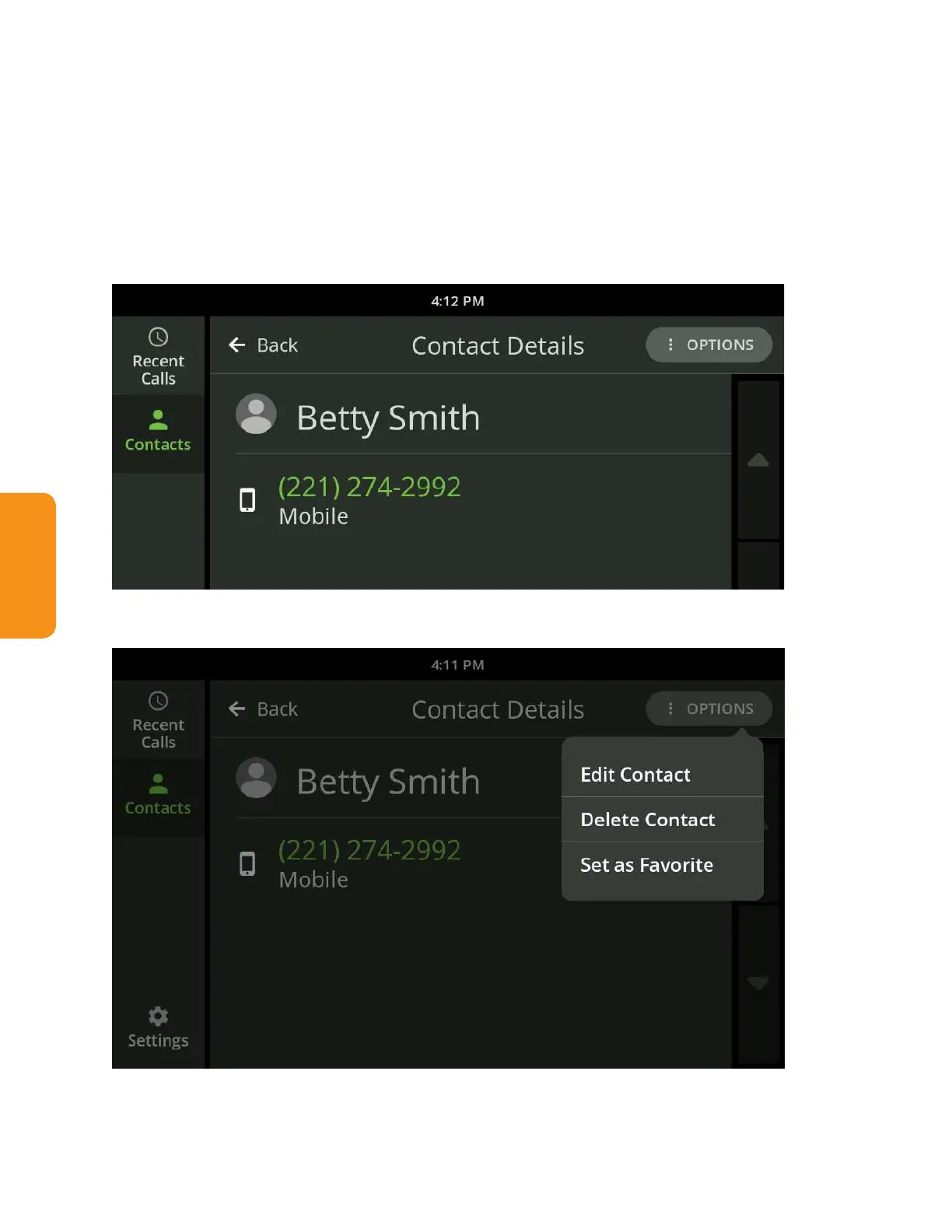
1. Open Contacts and select the contact you want to add to Favorites. Touch
the contact so the Contact Detail screen is displayed.
2. Select “Set as Favorite” from the Options menu near the upper right.



 To Next Page