66
Settings
66
Diagnostics
The Diagnostics screen lets you see details about your network and could be
used if you are experiencing network problems with your phone or if you are
asked to do so by Technical Support.
If any of the diagnostics fail, they will be marked with a red X and a Details
button will display on the right. Touch the Details button for more information
on why the diagnostics failed.
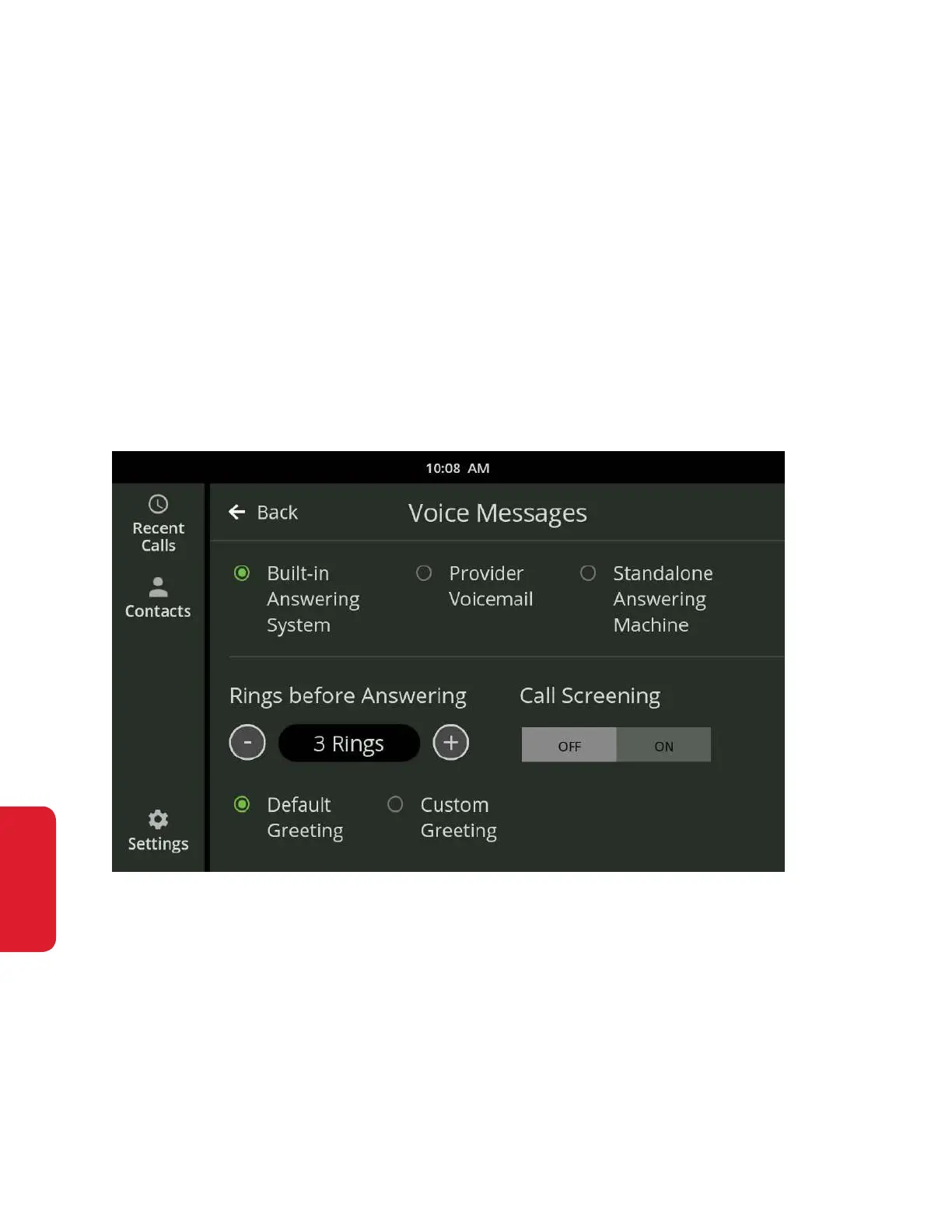
Voice Messages
You can choose to receive messages from the built-in answering machine,
provider voicemail or a standalone answering machine.
See the Messages section on page 47 of this User Guide for more information.



 To Next Page