Settings
Customer Support 1-877-557-2227 65
Rename a Device
1. Select the Options button next to the paired device.
2. Select the Rename button.
3. Enter in the new name using the provided keyboard.
4. Press Save to save the new device name.
Forget a Device
When you disconnect a Bluetooth device, you can connect it again using the
steps above. If you never want to use a device again with the CaptionCall phone,
you can forget the device.
1. Select the Options button next to the paired device.
2. Select the Forget button.
3. Conrm your selection by pressing Forget on the conrmation dialog.
Using a Streamer
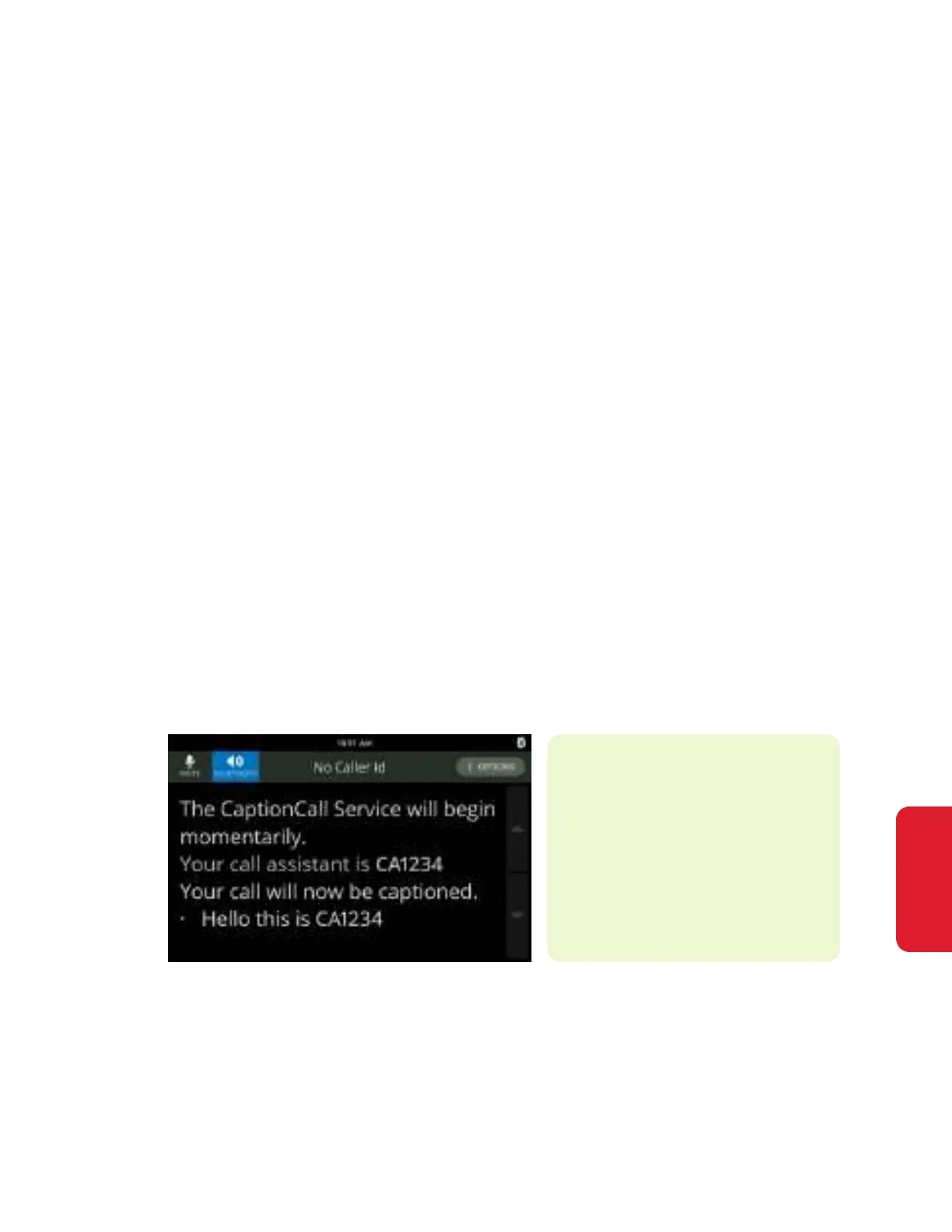
While in a call with a connected Bluetooth streamer, a Bluetooth button shows
near the upper left of your screen.
1. Pair and connect your streamer following the instruction on page 64.
2. Dial your call using your dialpad, Contacts or Recent Calls
3. Press the Bluetooth button near the top left of your screen. The button will
turn blue.
4. Audio will transfer to your streamer.
Press the Bluetooth button to disconnect the audio from your connected
Bluetooth device. The audio with automatically play on your speakerphone until
you pick up the handset.
Helpful Hints
Bluetooth does not support
either Built-in or Standalone
Answering machine and the
option will not be present
while in use.



 To Next Page