Messages
Customer Support 1-877-557-2227 53
Choose Standalone Answering Machine as Your Default
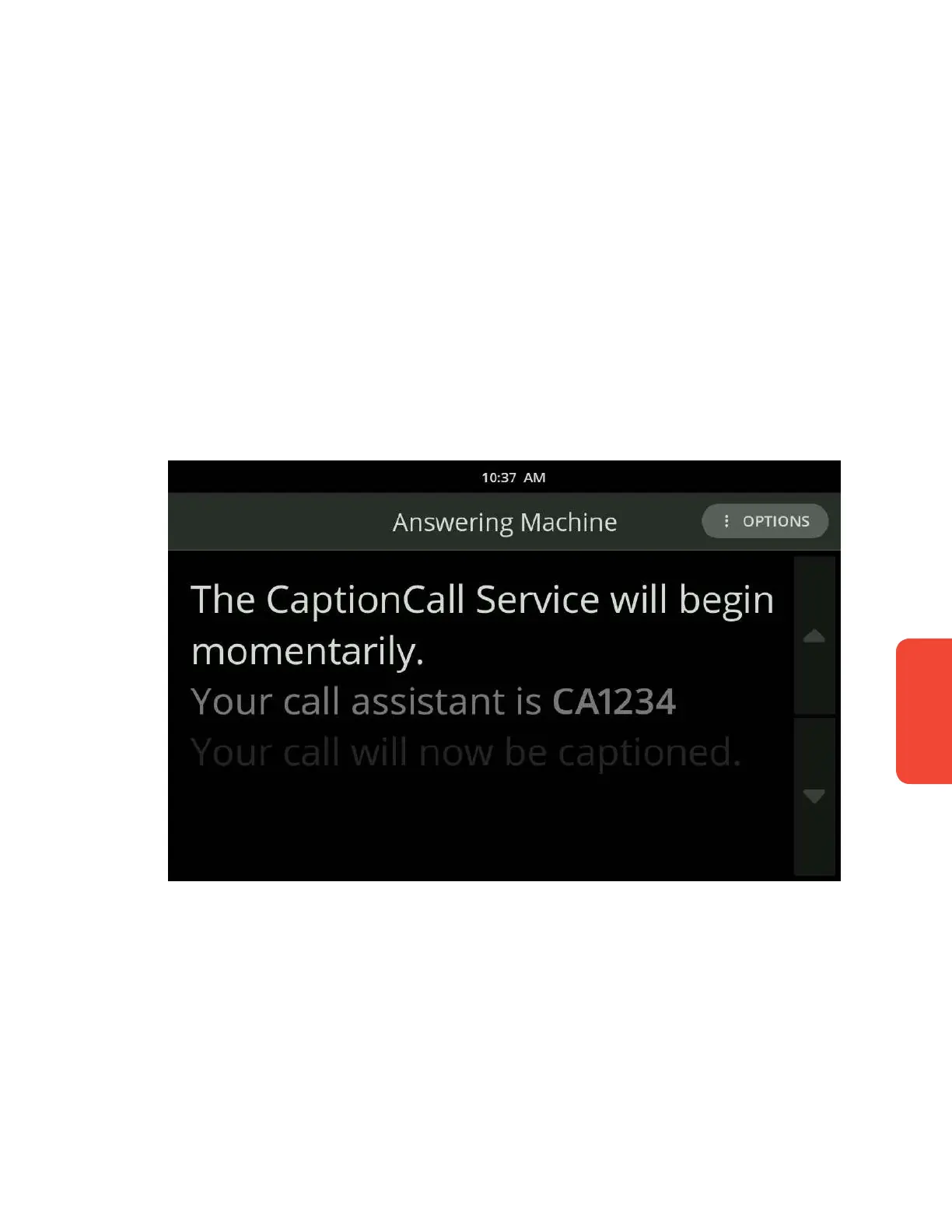
To use a standalone answering machine with CaptionCall, follow these steps:
1. On the CaptionCall phone, visit the Voice Messages settings by selecting
Settings and scrolling down to Voice Messages near the bottom of the screen.
2. Touch Standalone Answering Machine.
To listen to your messages:
1. Touch the Voice Messages button on the front of the phone.
2. Pick up the telephone handset and hold it next to the answering
machine speaker.
3. Play your messages using the buttons on the answering machine—the
captions will begin automatically.
4. Hang up the telephone handset when nished in order to stop the call.



 To Next Page