Settings
Customer Support 1-877-557-2227 67
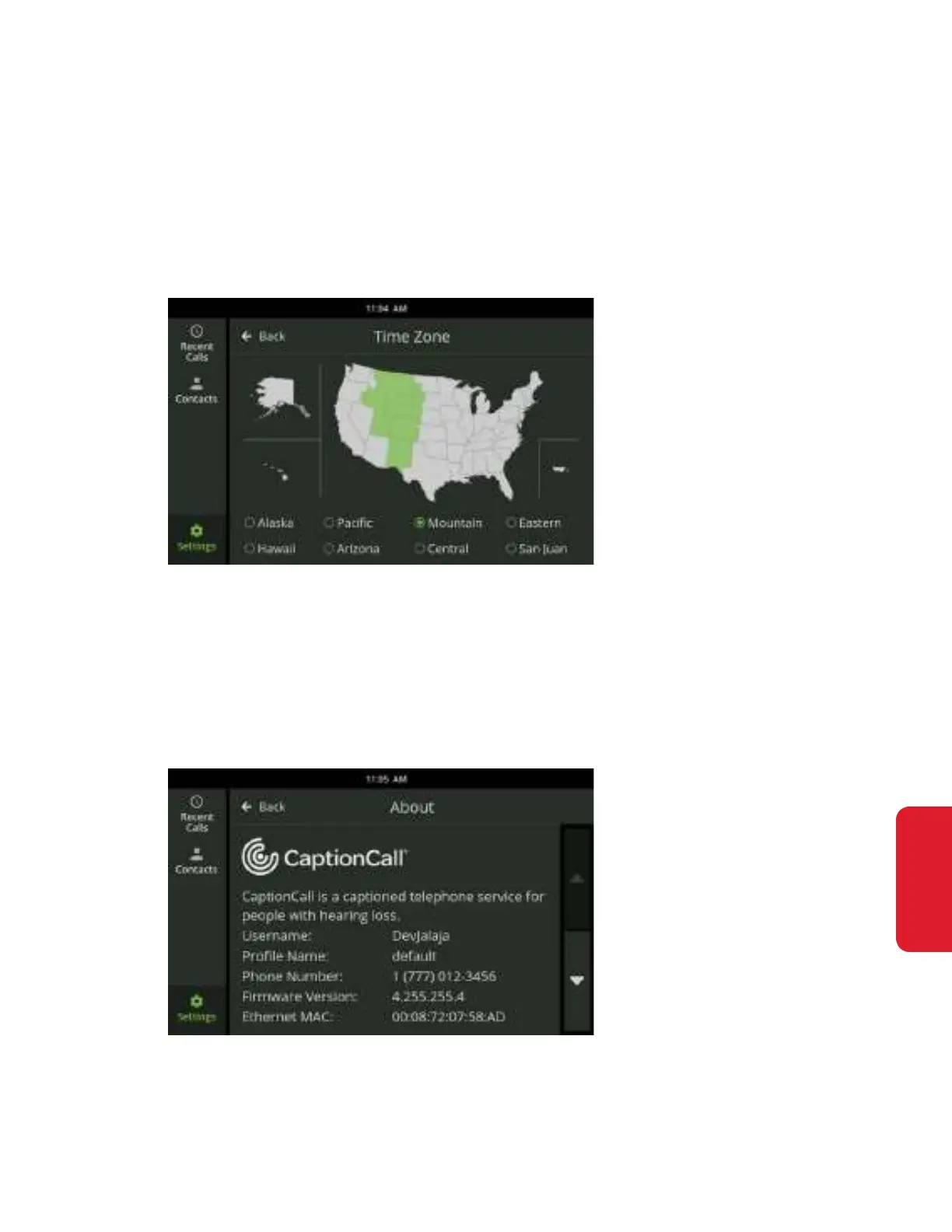
Time Zone
The Time Zone screen displays a map of time zones and lets you select the
correct time zone for your location.
To select your time zone using the Time Zone map:
Touch the state you live in on the displayed map. The time zone for that state
will change to green on the map.
To select your time zone from a list select the desired time zone from the list, or
touch the map. Your time zone will now update to the new, selected time zone.
About
This is a list of information about the CaptionCall phone.



 To Next Page