Phone Basics
Customer Support 1-877-557-2227 23
Call Options Menu
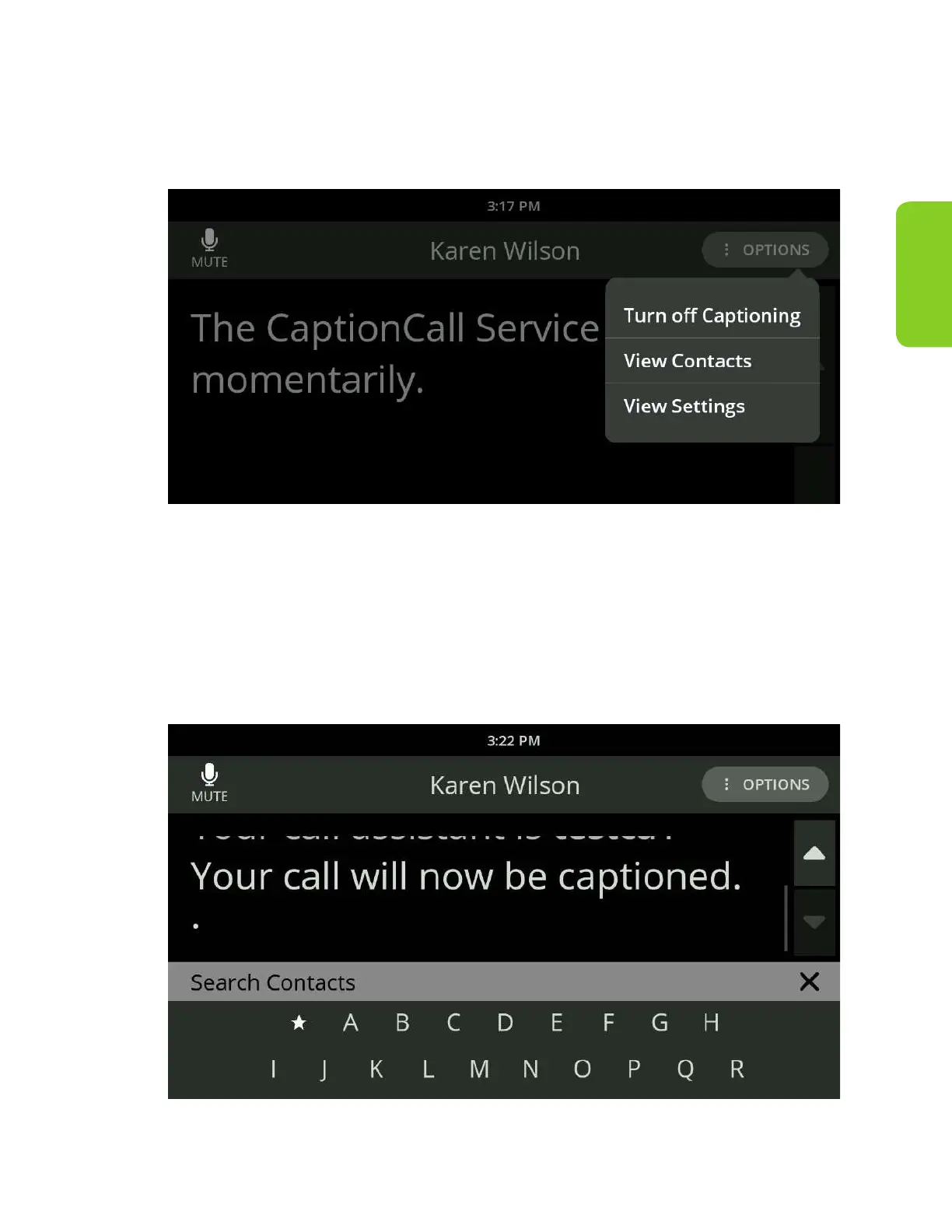
When in a call, the Call Options menu allows you to turn o captioning, access
your Contacts and adjust settings for the current call.
When in a call, if you need to turn o captions:
1. Select “Turn o Captioning” from the Options menu near the upper right.
When in a call, if you need to access your Contacts to look up a contact:
1. Select “View Contacts” from the Options menu near the upper right.
A keypad will display.



 To Next Page