Phone Basics
20
Adjust Handset/Speaker Volume
While in a call, you can adjust the volume on your handset or speakerphone to a
level you are comfortable hearing.
1. Pick up the handset or press the Speakerphone button.
2. Turn the Volume knob to adjust call volume.
• Clockwise increases call volume
• Counterclockwise decreases call volume
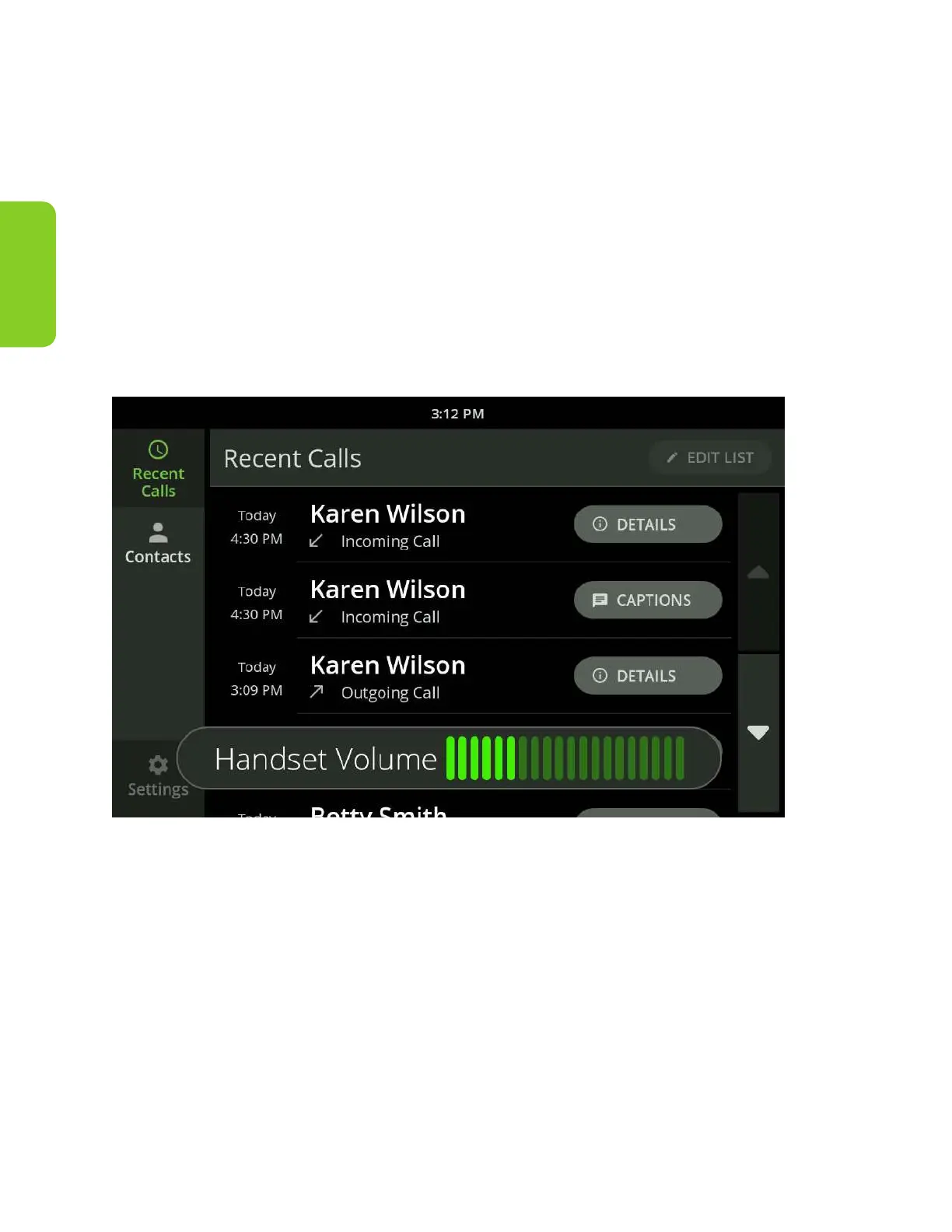
As you increase the volume level, the color of the Volume meter and the light
bar above the volume knob will change from green to amber to red.



 To Next Page