Phone Basics
Customer Support 1-877-557-2227 21
WARNING
Do not set the volume level higher than is necessary for you to hear calls.
Excessive volume can cause hearing damage.
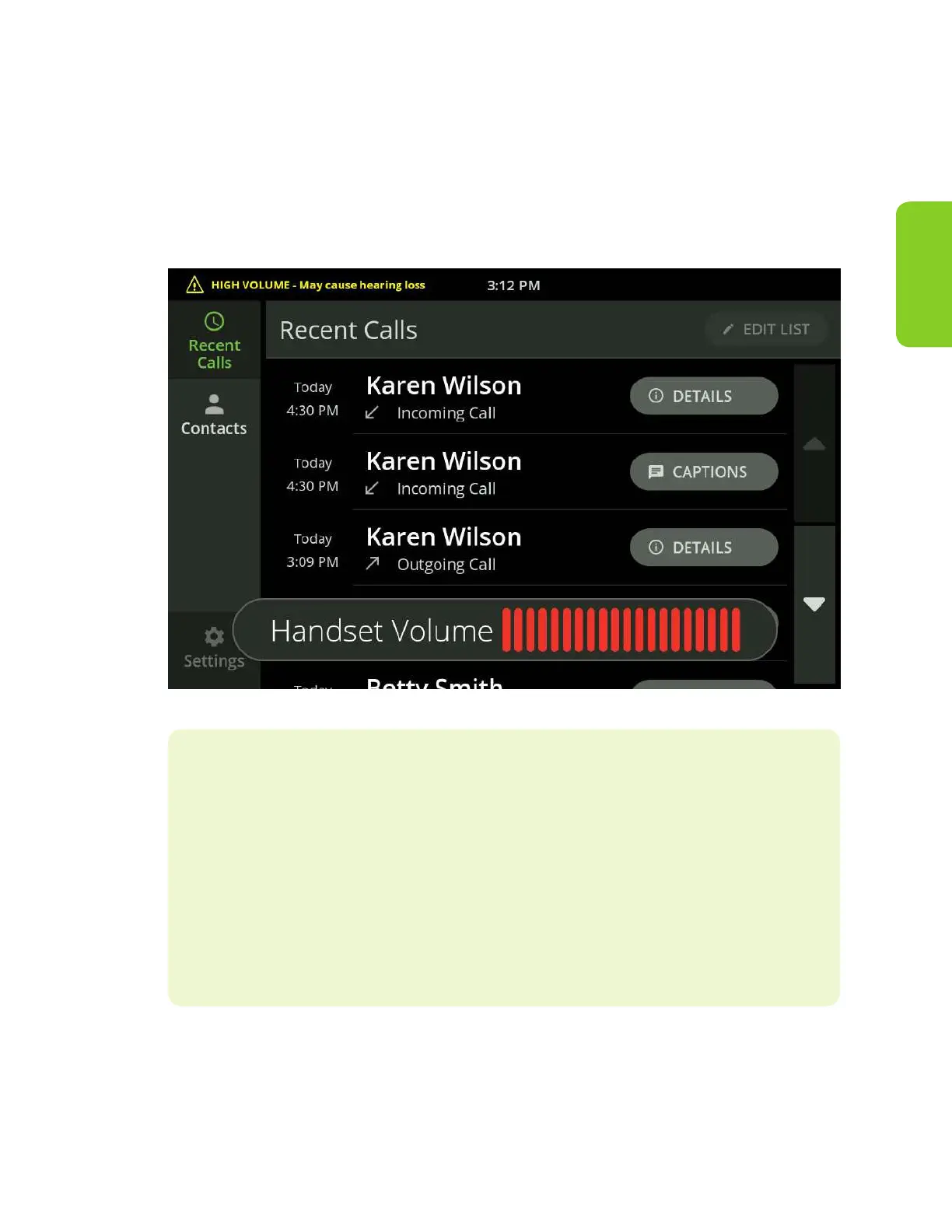
The Volume meter and light bar will turn to red when the volume exceeds a safe
volume. Also, a warning will display on the screen.
Helpful Hints
When the volume is set to high but not dangerous levels, the volume
will stay the same for all subsequent calls. However, when the volume is
increased to dangerous levels, the volume will return to a nominal level
for the next call.
To set the volume level at the same level for all calls, use the Override
Volume Reset feature on the Call Defaults screen (see ““Call Defaults” on
page 56).



 To Next Page