Recent Calls
32
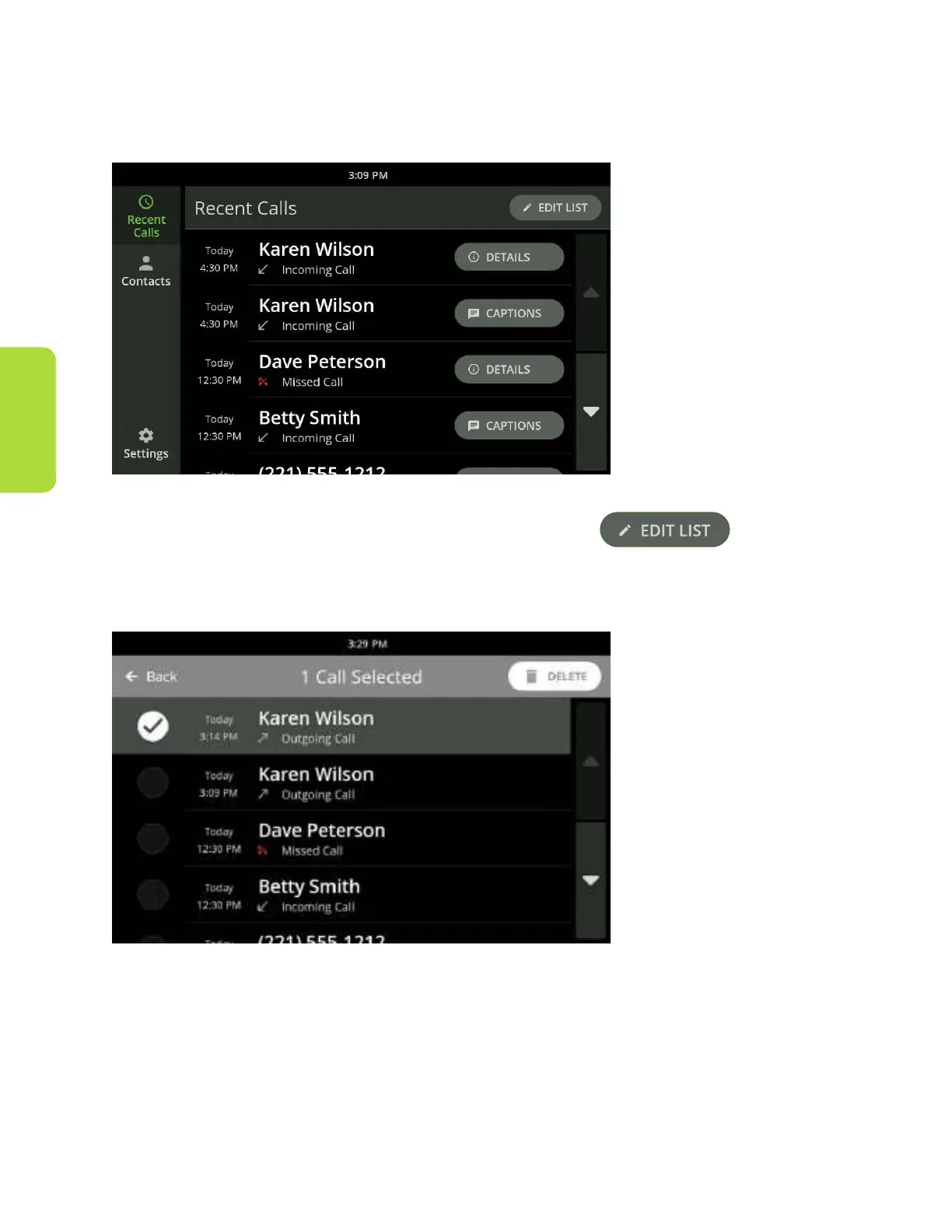
Edit the Recent Call List
Recent Calls can be deleted individually or all at once from the Recent Calls screen.
To delete individual calls:
1. Touch the Edit List button near the upper right corner.
2. Select the item or items you want to delete by touching the circle next to the
individual entry.
3. Touch the delete button that appears near the upper right corner.
To delete all calls:
1. Touch the Edit List button near the upper right corner.
2. Touch the Select All button that appears near the upper right corner.
3. Touch the delete button that appears near the upper right corner.



 To Next Page