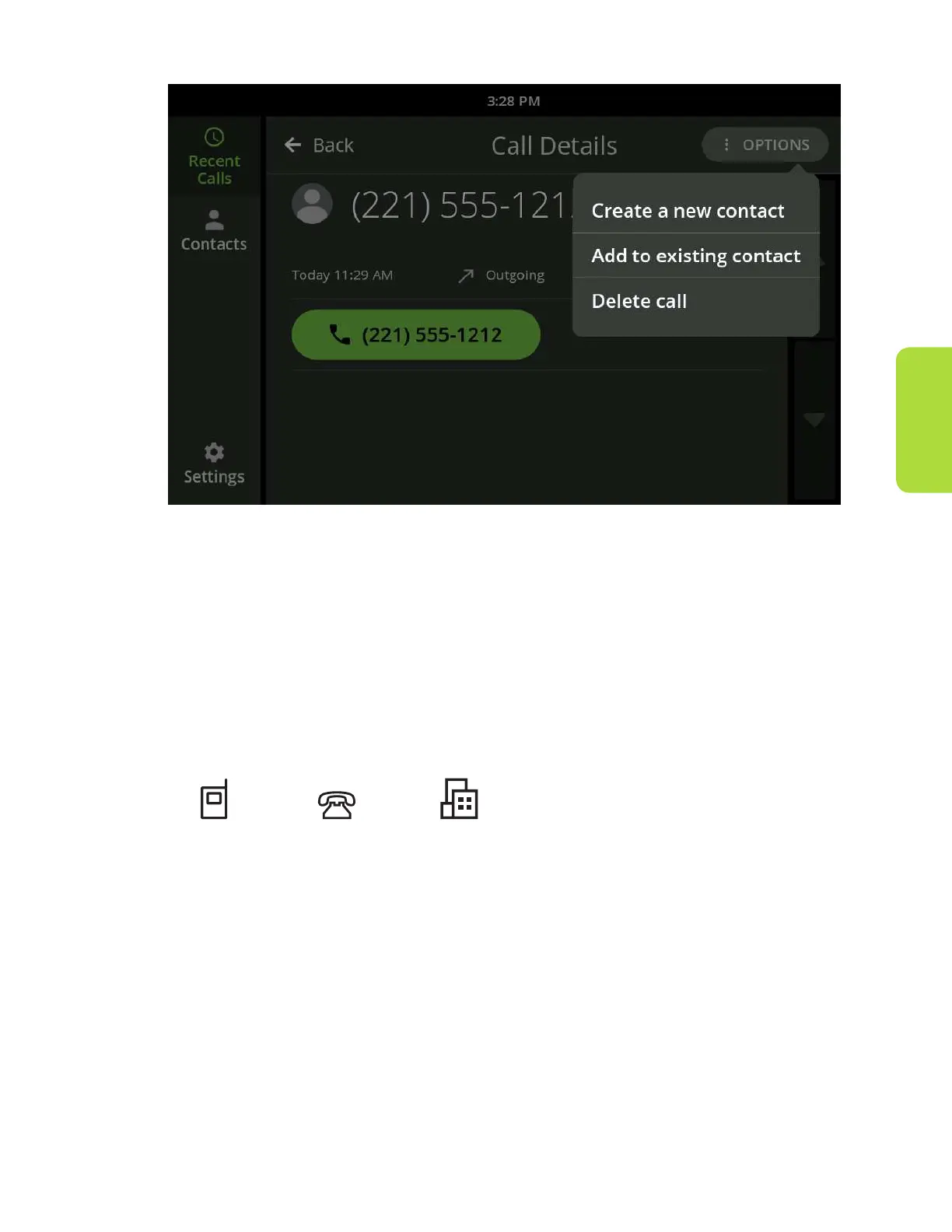
Recent Calls
Customer Support 1-877-557-2227 31
To add to an existing contact:
1. Scroll up/down your Contacts list to locate the contact to whom you would
like to add the selected phone number.
2. Touch that contact to add the selected phone number. The Edit Contact
screen will display with the selected phone number already added to the rst
available phone number eld.
3. You can assign a phone type for this number in this contact to help you
remember which phone type it is.
Mobile Home Work
Deleting a Recent Call
Touch “Delete call” from the Options menu near the upper right to delete the
call from the Recent Call list. You will be prompted to conrm you want to delete
the call.
Deleting a call will not delete a saved contact from your Contacts list.



 To Next Page