Phone Basics
26
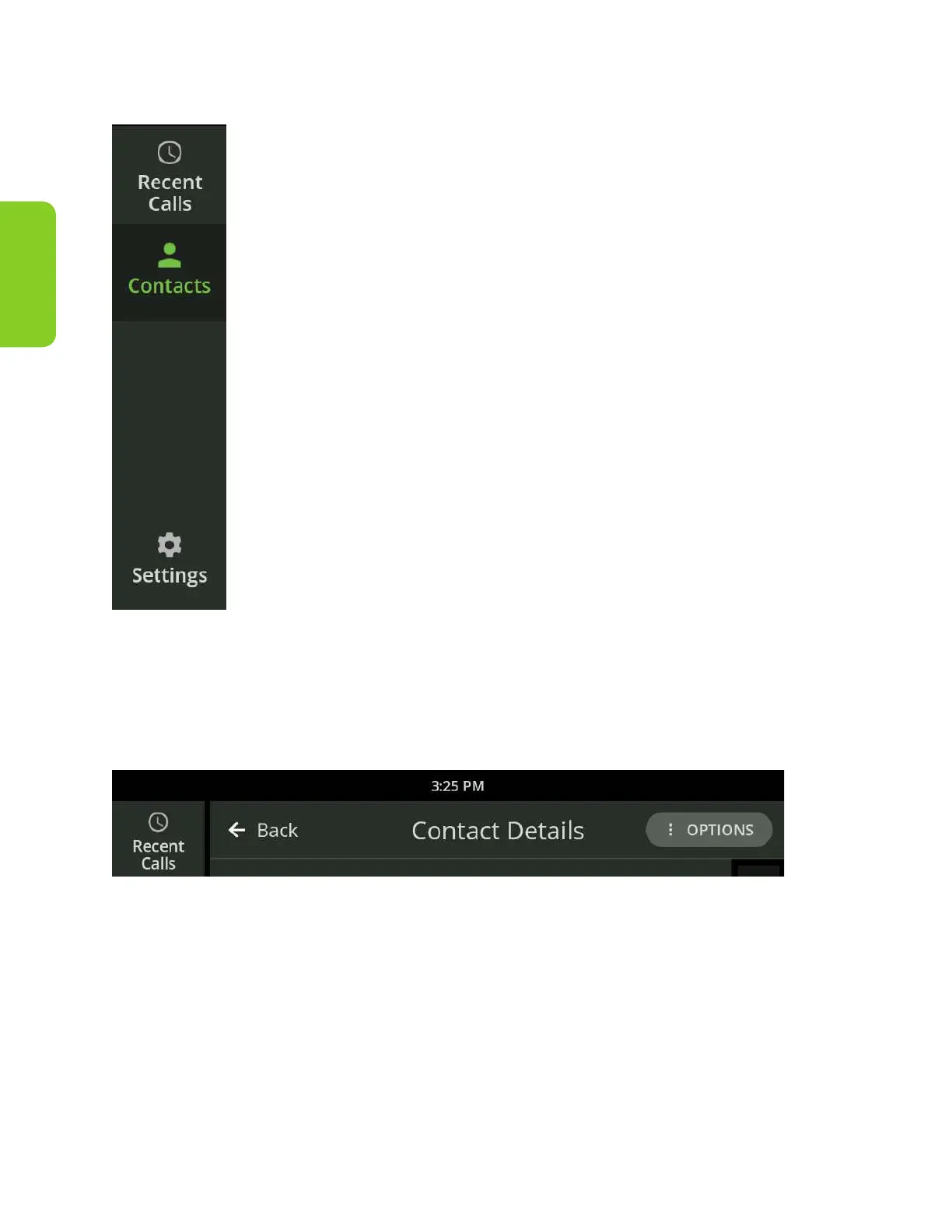
Side Navigation
The Side Navigation displays
in the top left of most screens.
Touch the button to access
the desired screen.
Back Button
The Back button will display at the top of detail screens. The button displays an
arrow pointing to the left and the name of the screen you were on previously.
Touch the Back button to return to the previous screen.



 To Next Page