Contacts
38
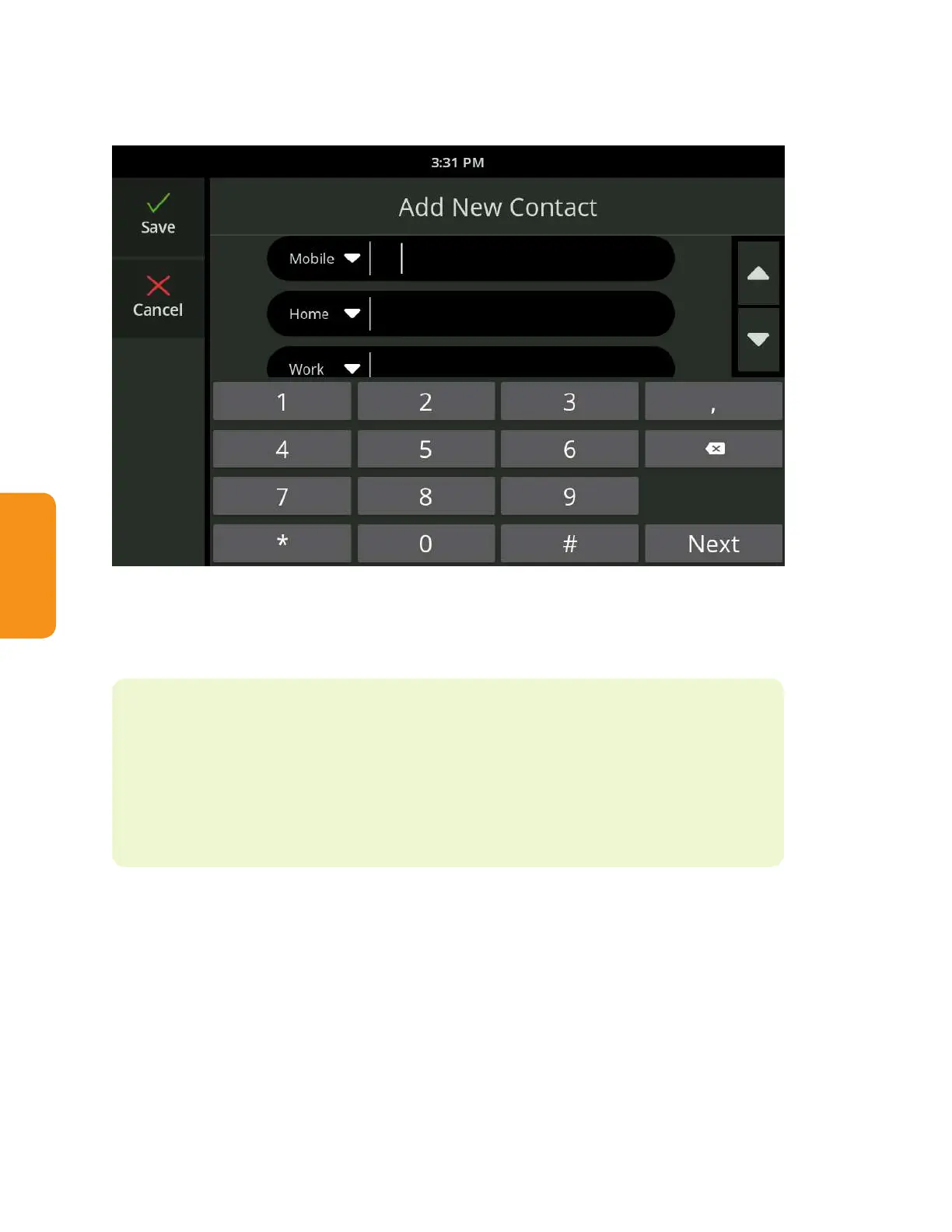
When adding a phone number, use the on-screen dial pad to enter numbers
and the drop-down menu to select a phone type.
When nished, touch the Save button.
The new contact will now display in the Contacts list.
Helpful Hints
• You can also create a new contact using the Recent Calls list (see “View
Recent Calls” on page 29). From the Recent Call detail screen select
“Create a new contact” from the Options menu near the upper right.



 To Next Page