Recent Calls
28
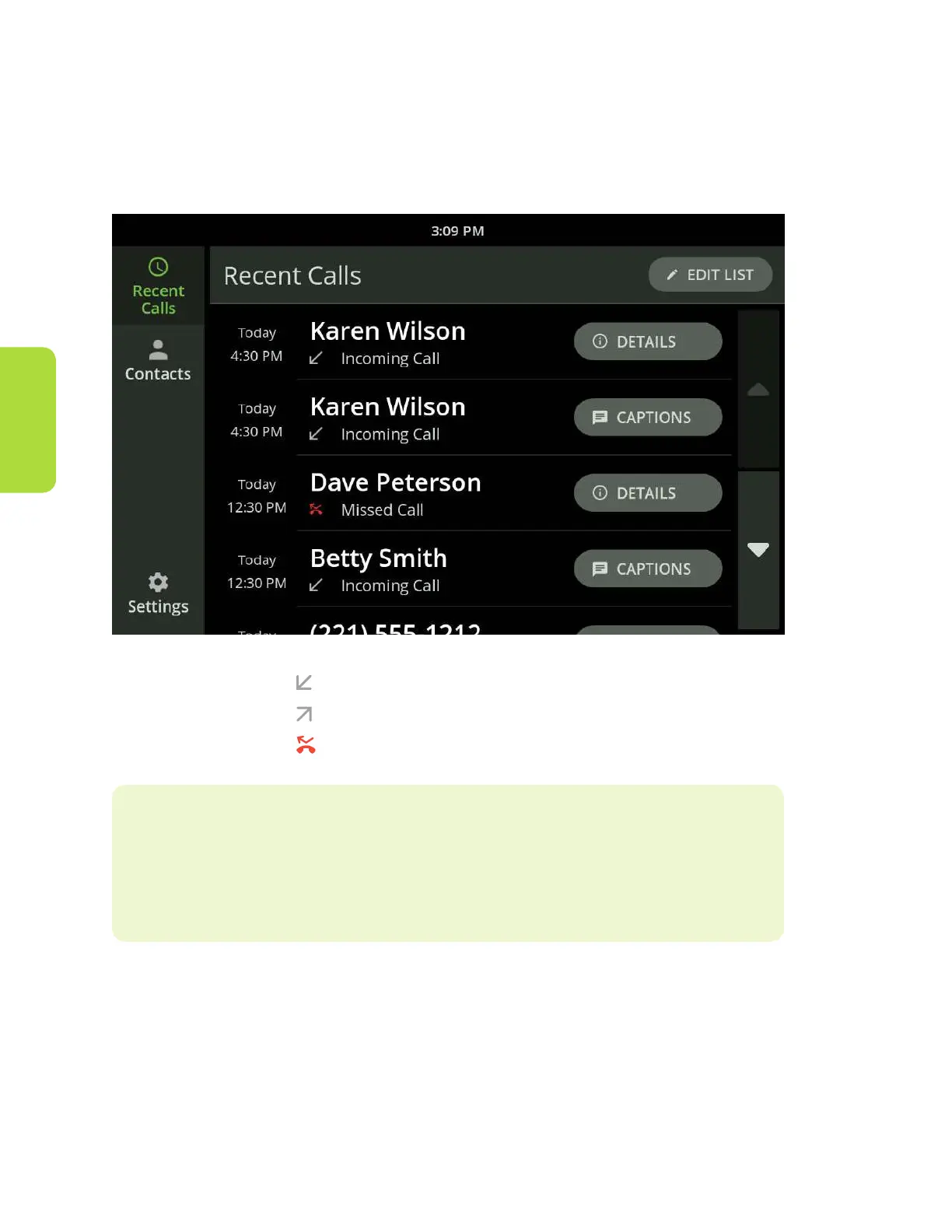
Your Home screen for the CaptionCall phone
is your Recent Calls screen. This screen
displays your recent calls.
Calls marked with the indicate calls you answered
Calls marked with the indicate calls you made
Calls marked with the indicate calls you missed
Helpful Hints
Use your nger to swipe up and down the list as needed to view all
recent calls.



 To Next Page