Contacts
44
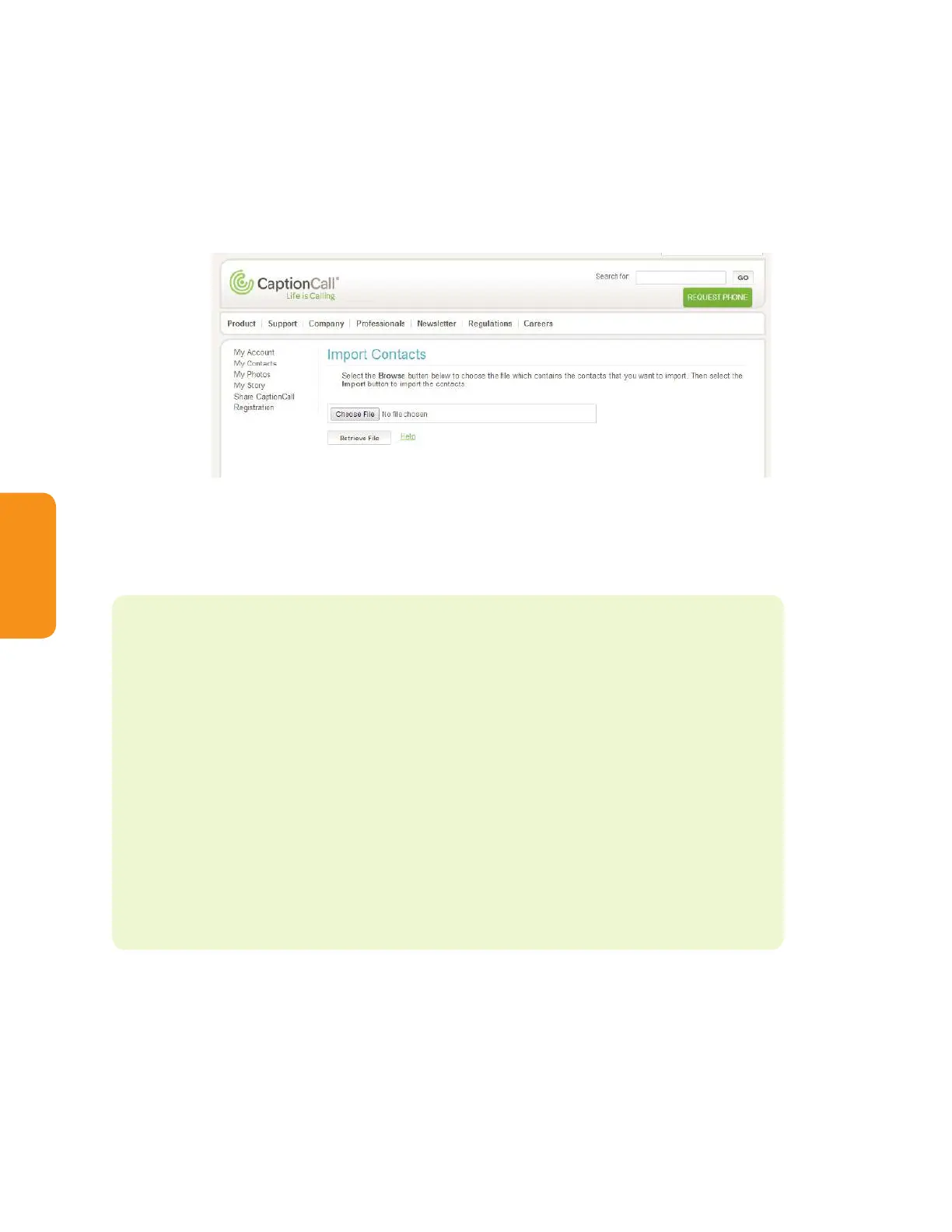
Import contacts
Contacts can be imported from a directory you already have on your computer.
These must be VCF les in order for the system to import the list. To import
contacts:
1. Click Import Contacts. The Import Contacts screen will display.
2. Click Choose File. A window will open that will let you explore your computer
les. Browse for the VCF le you wish to import. Select it and click Open.
3. Click Retrieve File. Your contacts will be imported.
Helpful Hints
You can edit/delete your contacts using the online system.
• Scroll to the contact or use the letters to nd it alphabetically
• Click the Edit button to edit the contact. The same window you used
to create the contact will display with the contact’s information already
loaded
• Update the contact’s information and click Submit
• To delete a contact, click the X button. A window will display to verify
that you want to delete this contact. Click Yes to complete deletion



 To Next Page