9
Welcome
Customer Support 1-877-557-2227
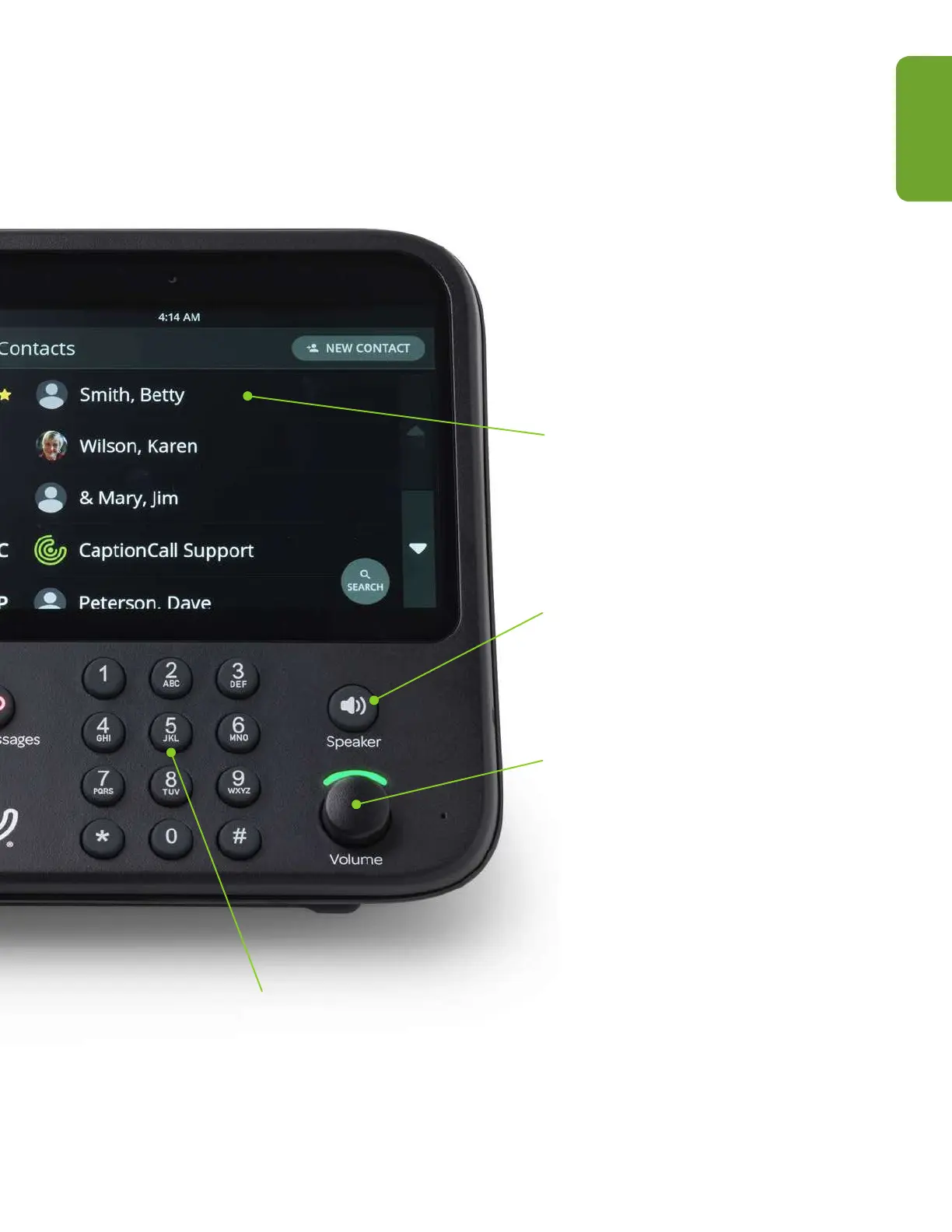
Touchscreen Display
Shows captions and lets you
interact with the phone interface.
Speakerphone Button
Press to turn on speakerphone,
even when the handset is still in
the cradle.
Volume Control Knob
Controls both call volume and
ringer volume. Rotate clockwise
to increase volume and
counterclockwise to decrease
volume. Dial light bar will change
from green to amber to red as
volume increases.
Telephone Keypad
Allows you to dial manually.



 To Next Page