Manual
13
FUNCTIONS AND SETTINGS
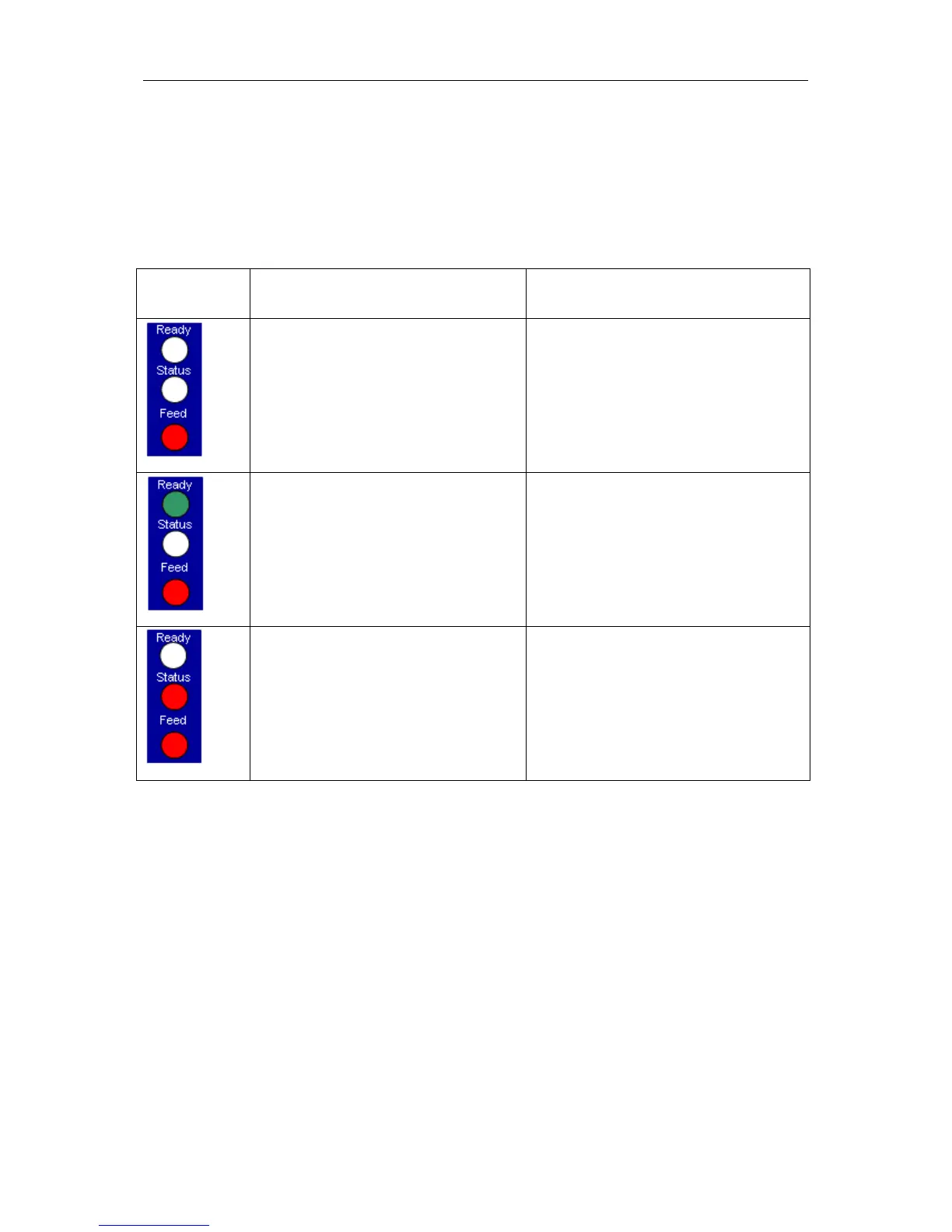
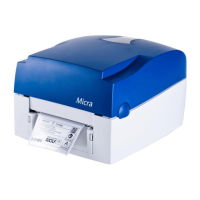
The Micra only provides one key for operation. The operating status is indicated by two two-coloured
LED.
Please find the following assignment:
Control panel Status Key assignment
Both LED lights show no light, i.e. the
printer is switched off or has no power
supply.
press short: no function
press long: no function
Normal status
Printer is ready for operation.
press short: label feed
press long: is a print order active, the
print is stopped.
Error status
If status LED is red, printer indicates an
error.
press short: change to "print stopped"
mode.
press long: printing the error code.
Note: In order to start a status print, press the Feed key at switched off printer and only after
pressing key, switch printer on.
Wait to three sequential audio printer signals and then release the Feed key.


 To Next Page