Manual
15
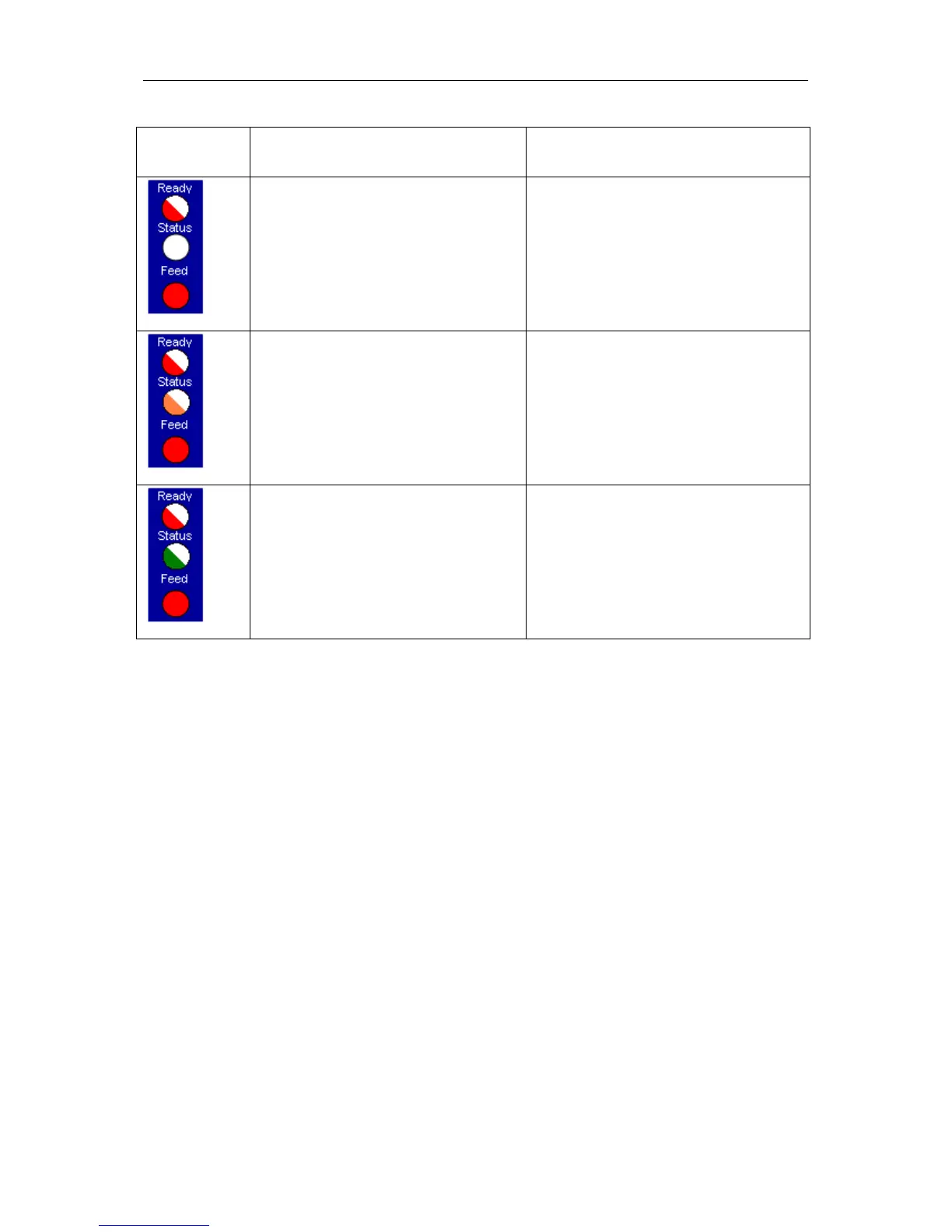
Control panel Procedure Function
Press and hold Feed key as long as
Ready LED flashed red. Release the
Feed key.
Reset to default
4 printer blips
By means of this function the printer can
be reset to the default settings.
Press and hold Feed key as long as
Ready LED and Status LED flash red.
Release the Feed key.
Port test
5 printer blips
This function permits the verification of
all available interfaces. Afterwards a print
with the corresponding data is effected.
Press and hold Feed key as long as
Ready LED is red and Status LED
flashes green. Release the Feed key.
Single cut
6 printer blips
This function provides the possibility to
release a single print.


 To Next Page