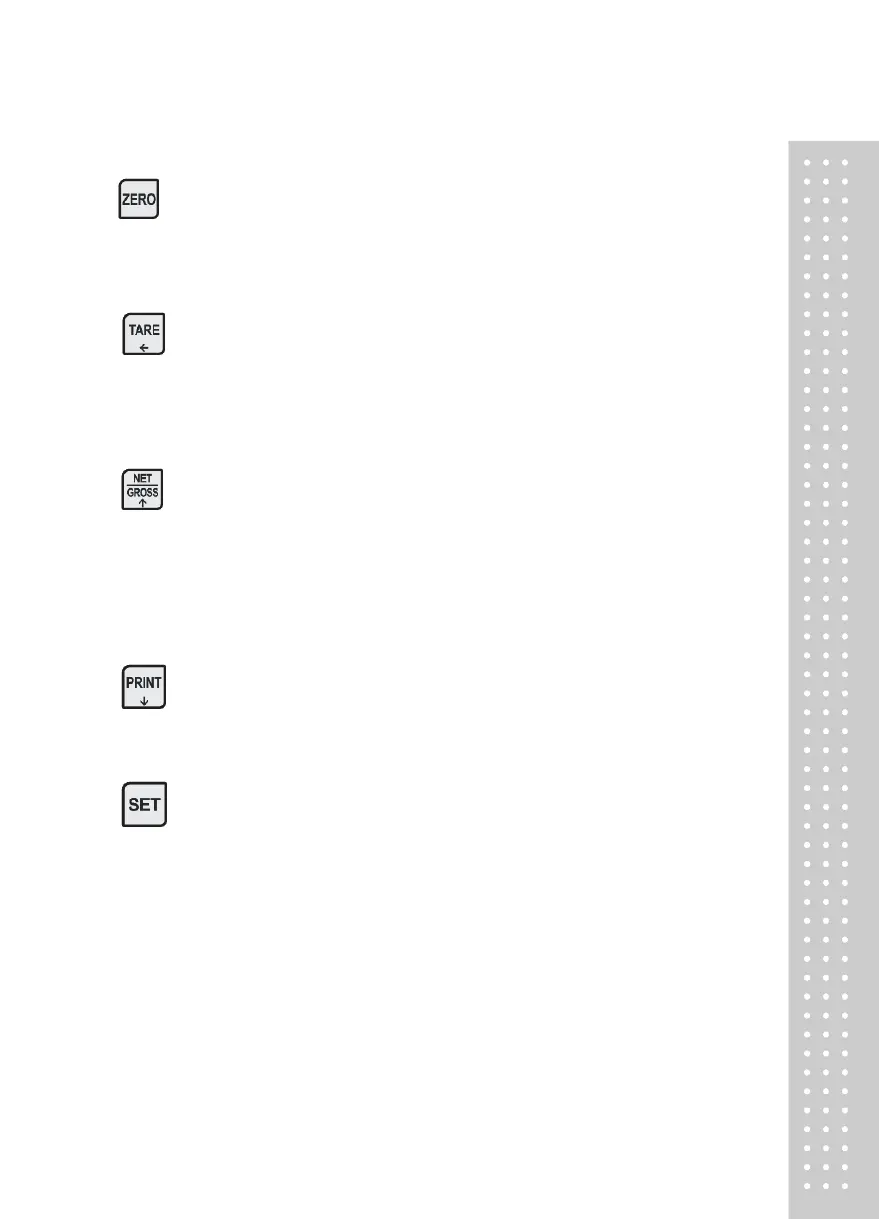
(2) Keyboard
■ Used to return the display to the 0.
■ User set the zero range within 4% or 10% of the maximum capacity(GEN.09).
■ Used to enter the TEST mode.
■ Used to weigh item by using the container.
■ When this key is pressed, the scale stores current weight as the tare weight.
■ If you press TARE key in unload condition, tare setting is released.
■ Used to enter the SET mode.
■ Use this key to switch from GROSS to NET weight.
■ The annunciators and display will alternate between GROSS and NET as well.
■ In case tare weight is REGISTERED, tare plus item's weight is GROSS
weight and only item's weight is NET weight.
■ When the lamp turning on, it means NET weight.
■ Used to enter the CAL mode.
■ When you press this key, the current designated printing form is printed.
■ Use this key when weighing data is printed.
■ Some functions can be defined to the needs.(GEN.20)
■ Press and hold SET key to enter the menu mode.



 To Next Page