SET MODE
(1) How to Enter
Turn on the power while pressing the "TARE" key on the front of the indicator.
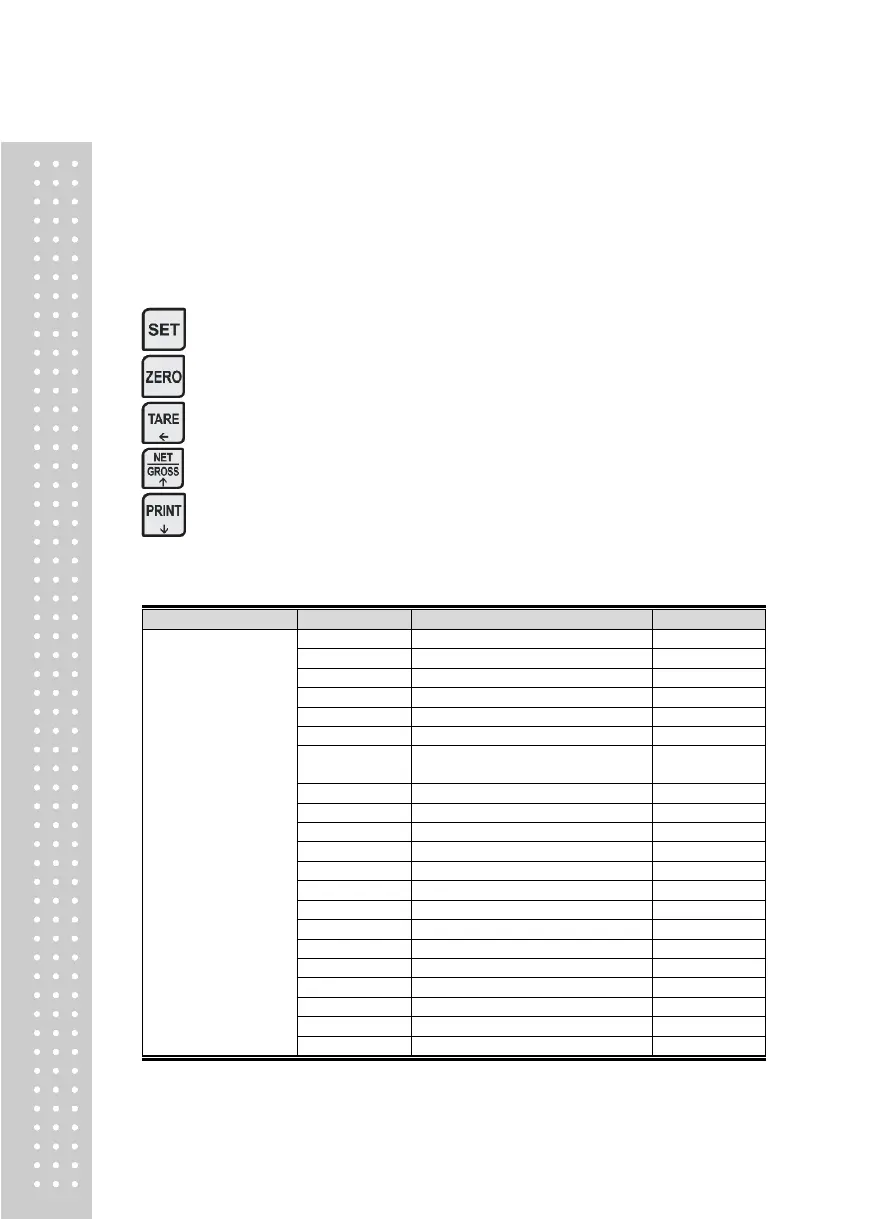
(2) Available Keys
Used to save inputted value and exit to menu selection.
Used to set the current value to zero.
Used to set the current value ×10.
Used to set the current value +1.
Used to set the current value -1.
(3) Set Value Conversion Menu
1. General Setting
(1. GEN)
Set average Filter Buffer
Set digital filter buffer
Set Key Operating Conditions
Set Automatic Zero Tracking
Compensation
Set Hold Canceling Conditions
Set Auto Hold Canceling Range
Set Near Zero(Print, Relay)
Initializing of set values



 To Next Page